
01
Try a solo
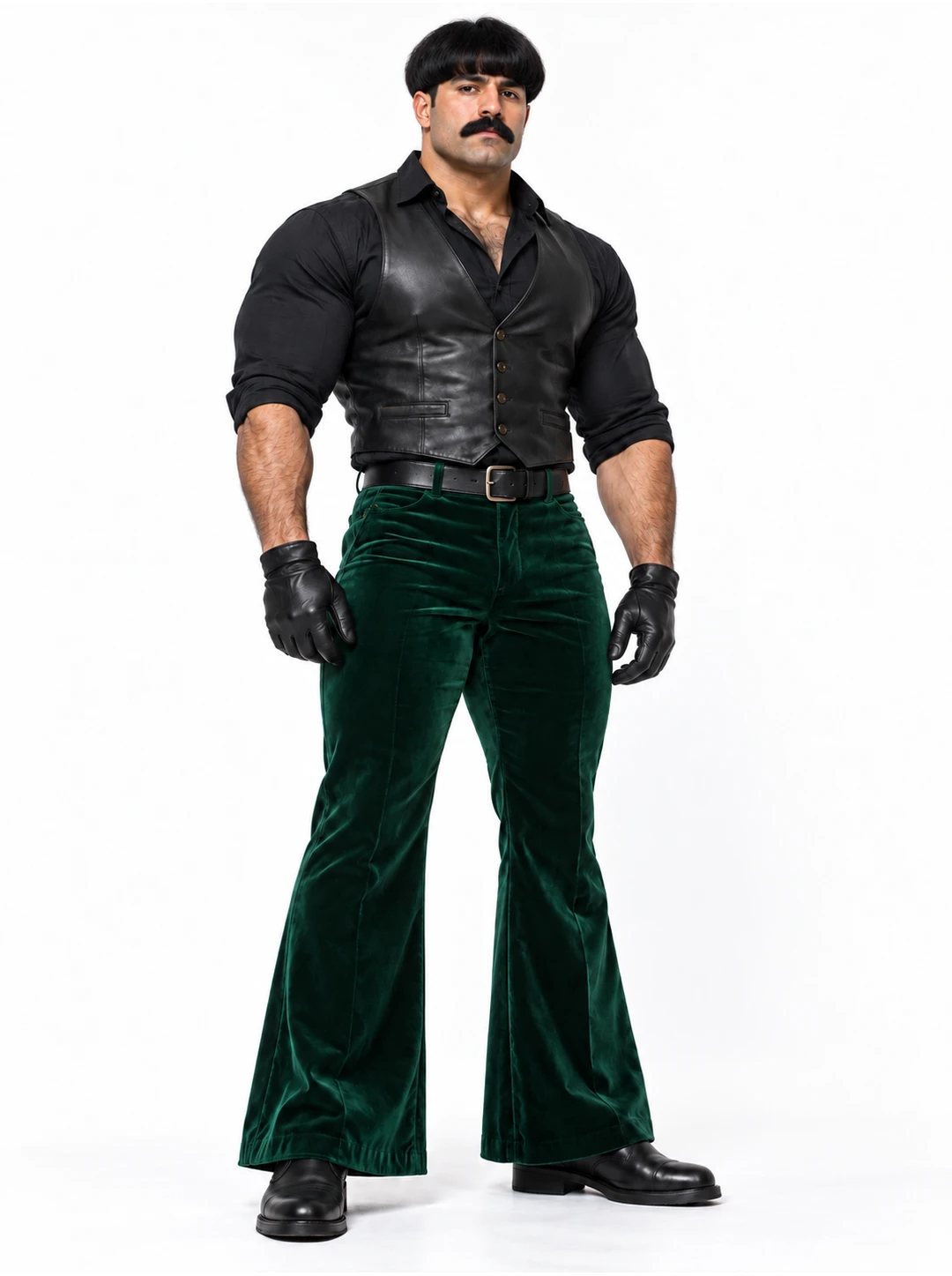
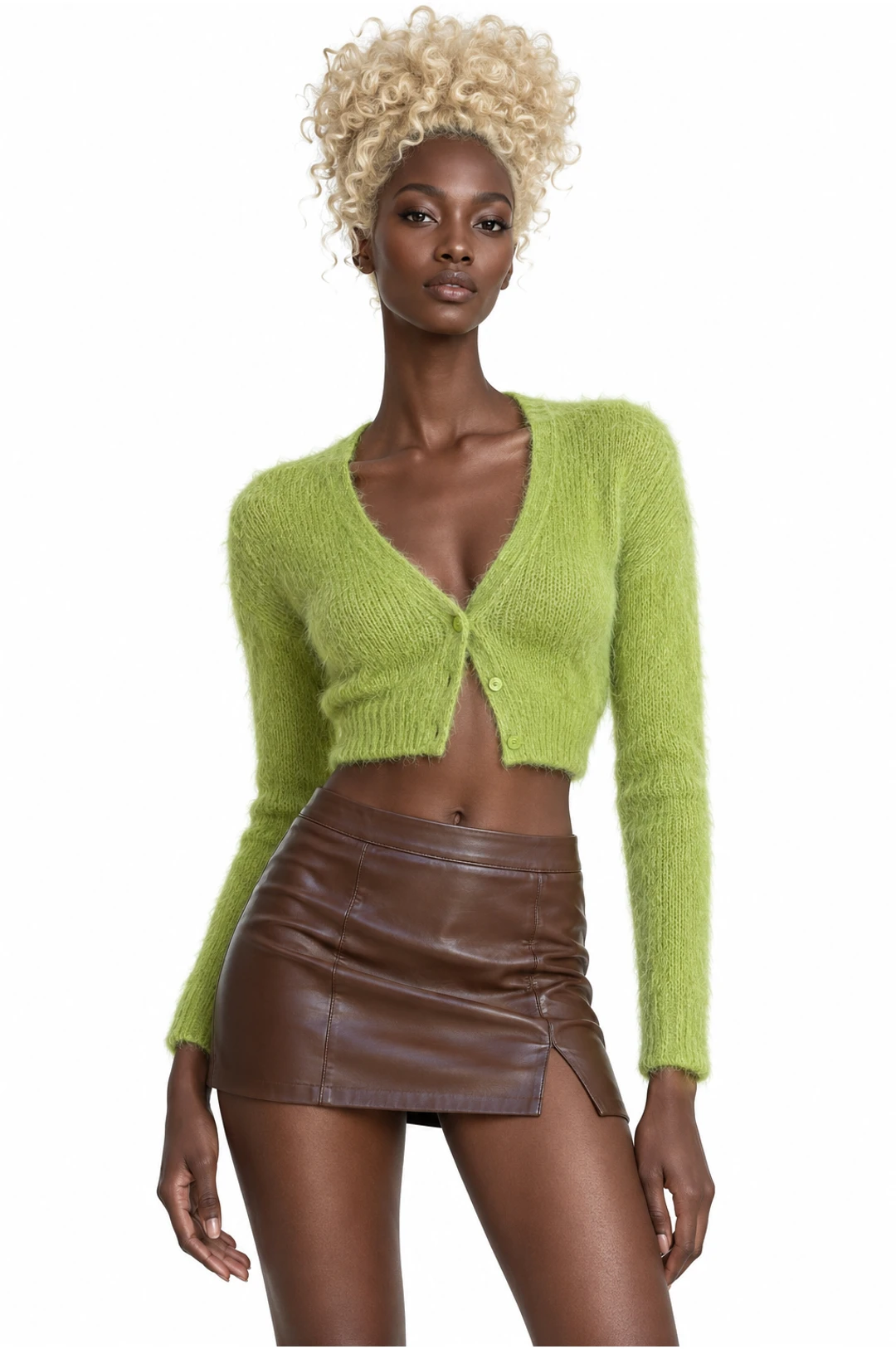
Choose a clear performance and place one character into the supported role. The AI dance preview lets you see the routine before you prepare a photo.
Choose a dance, add the photos requested for its roles and create your own version.
Creations from this workspace appear here.
AI dance templates provide a prepared motion reference for a dance video. Browse the dance collection, choose a template and add the photos requested for its roles. For movements that involve the whole body, use a photo with the relevant body parts visible. Review the generated video for feet, hands and changes between poses. Explore AI motion transfer with your own dance reference.
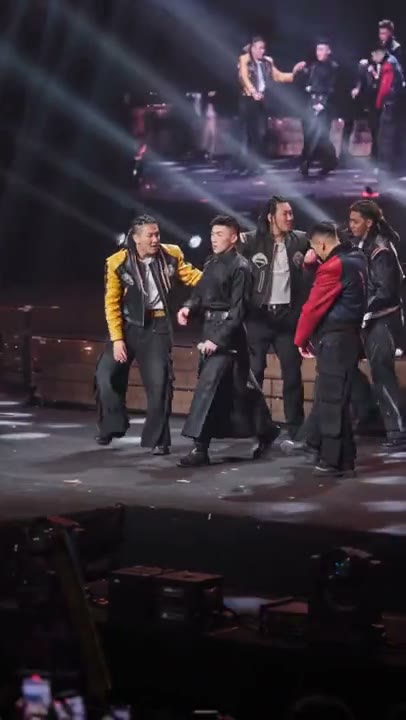
Choose a dance template, upload your photos, and generate a video. Previewing and loading a template does not submit a generation or spend credits.
Step 1
Preview a dance in the collection.
Step 2
Select it and add the required photos.
Step 3
Review the available mode and credit estimate. Generate and check the movement in your result.
Browse AI dance scenes by movement and cast, then load the one you want to personalize.
01
Choose a clear performance and place one character into the supported role. The AI dance preview lets you see the routine before you prepare a photo.
02
For an AI dance with more than one dancer, check the photo slots and ask each person for permission to use their image.
03
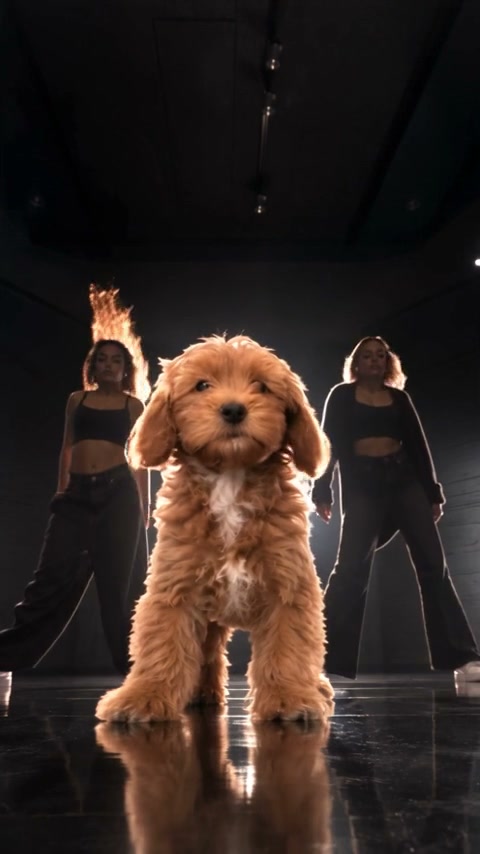
Some AI dance templates are made for animals. Check the required subject and use a photo that clearly shows the pet.
The community previews show the movement and framing of different AI dance scenes; your result may look different.
01
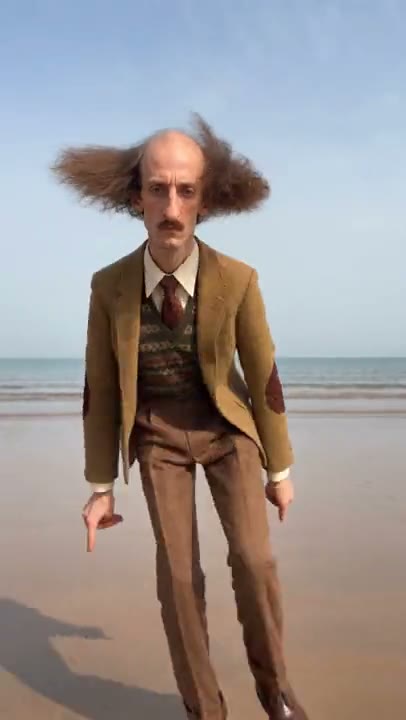
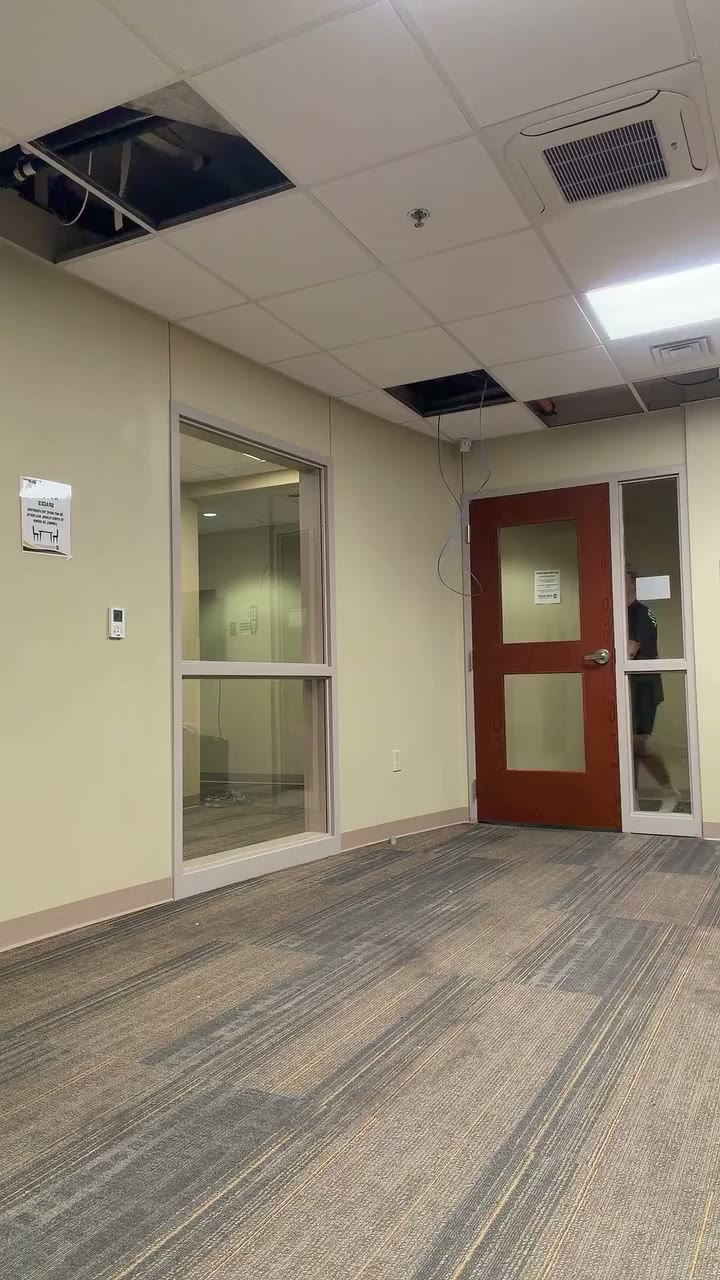
Start with a routine where the main dancer remains visible. Use a character photo that matches the framing, then review the face and feet throughout the AI dance result.
02
Choose an AI dance scene with the roles you want to personalize. Prepare a separate photo for each required subject and check the labels before submitting.
03
A pet-compatible AI dance template offers a playful starting point. Make sure the photo shows the animal clearly and inspect how paws and body movement appear in the result.
Match the photo crop to the routine and prepare each supported dancer separately.
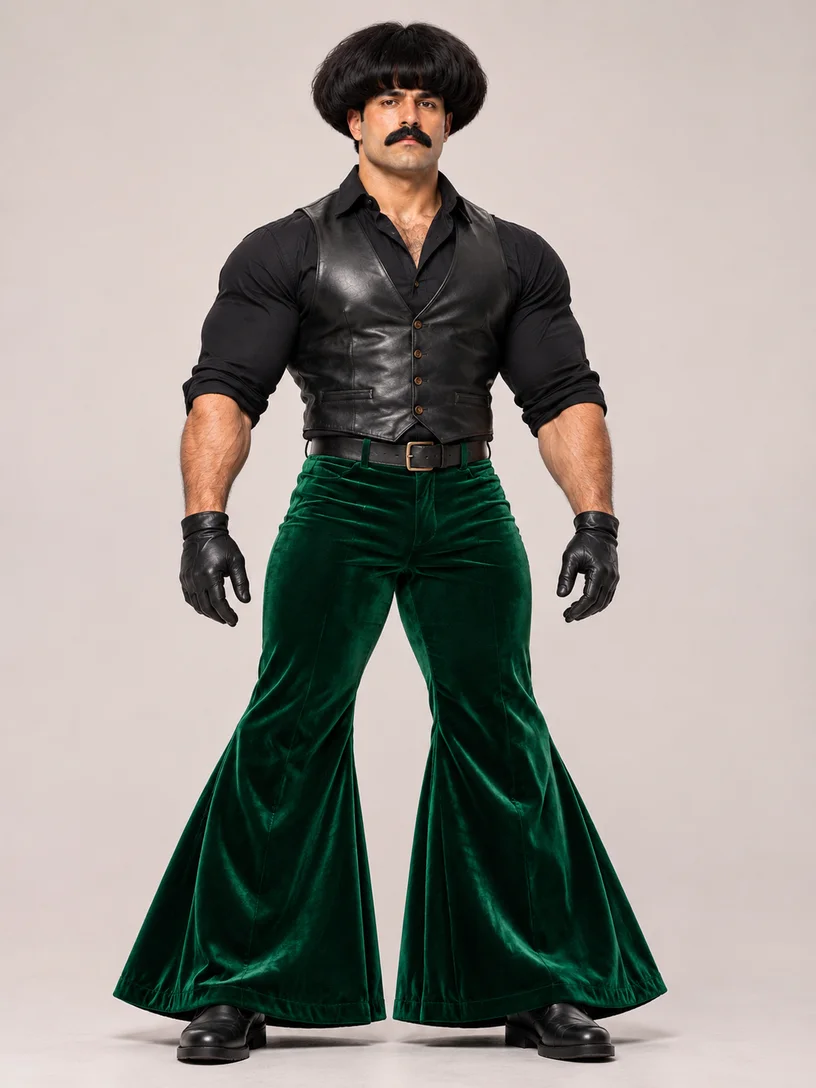
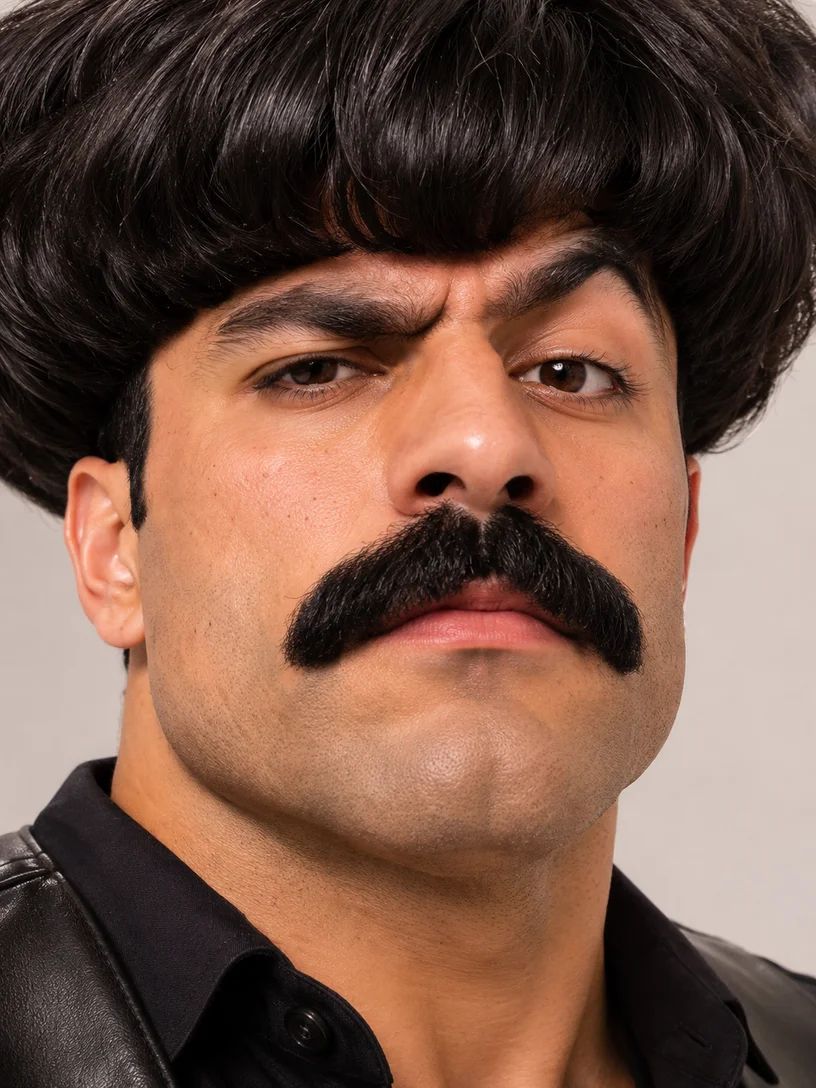
For a full-body AI dance, a clear image with the face, arms, legs and shoes visible supplies more appearance detail.
Better fit
Harder to use
For an AI dance with multiple roles, provide individual photos for the slots shown in the selected template.
Better fit
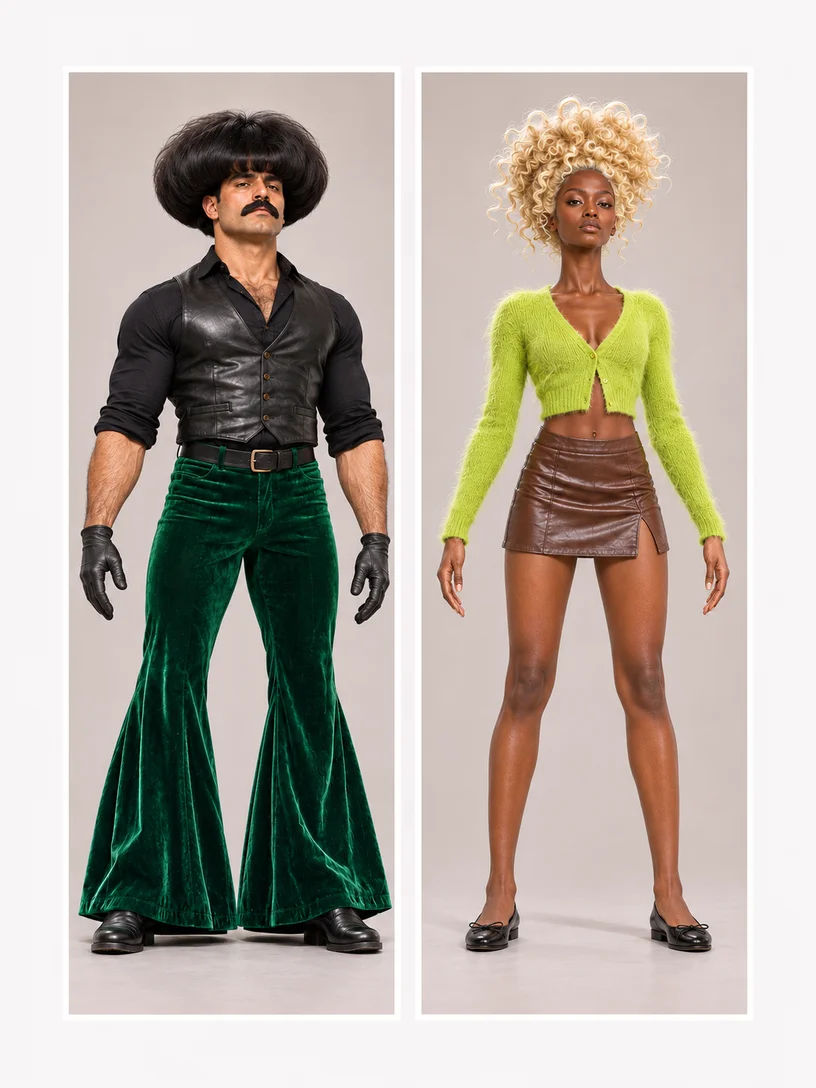
Harder to use
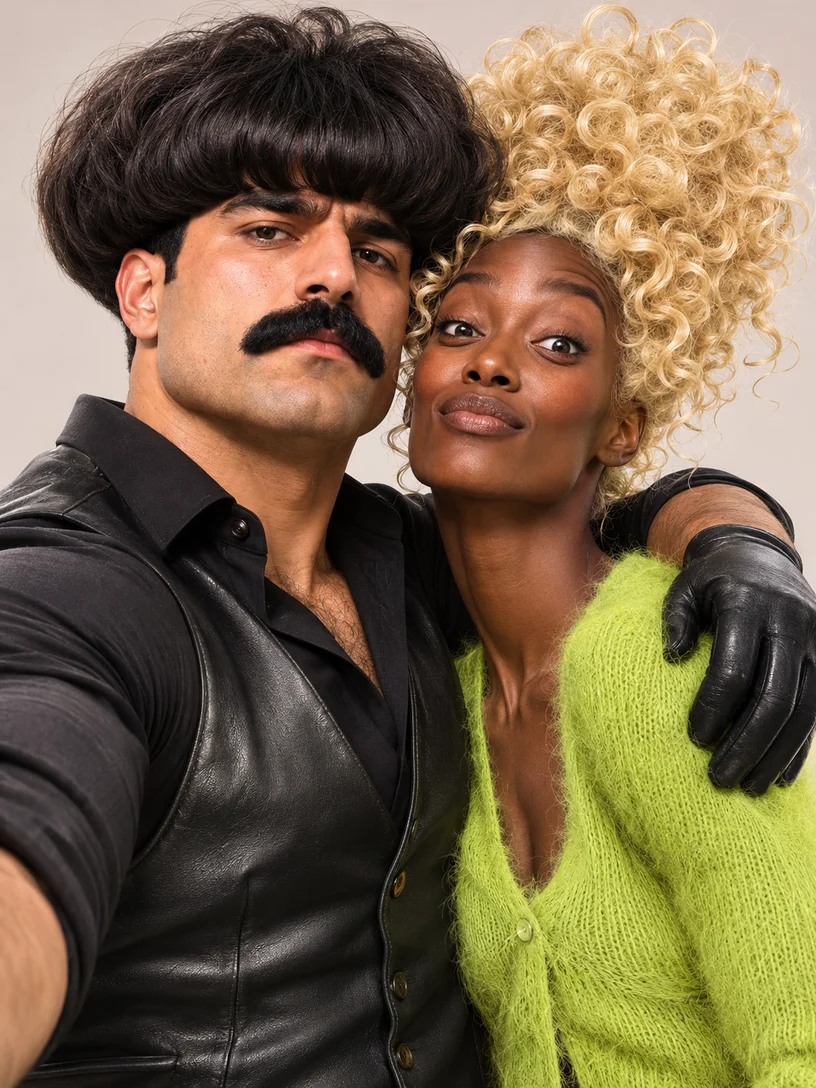
Use images you have permission to animate. For pets, choose a compatible scene and show the features and body involved in the movement.
Consider the performance, people and audio before you create your AI dance.
Preview the complete AI dance, including its ending, before loading it. Look for fast turns, overlapping dancers and objects that may hide the subject. Choose a crop that gives the model enough information for the selected movement.
The selected AI dance shows its required and optional photo roles. Sound depends on the template and mode, and a separate song upload may not be available. Check your rights to the photos and any audio before publishing the finished video.
What to know before you create.
Choose a clear photo with the face and body parts needed for the selected dance visible.
Yes. The selected dance shows its required and optional photo roles.
Choose another dance template, or return home to upload your own motion reference with a compatible model.
Browse the AI dance collection and preview a routine that fits your idea. Select Recreate to load it into the workspace, then add the photos requested for its roles. Review the available mode and estimated credits before submitting a generation.
Choose an AI dance template that supports multiple roles and provide a separate clear photo for each required person. Read the role labels after loading the scene. Include people who have agreed to have their photos animated and shared.
Some AI dance templates support pets. Choose a pet-compatible scene, then supply the subject shown by its role label. A photo with visible features and enough of the body for the movement is a useful starting point; check the finished clip for paws and overlapping limbs.
Browsing and previewing an AI dance do not submit a generation job. The form shows the estimated credits for the selected template and settings before you create. Sign in and review your balance when you are ready to submit.
Prepared AI dance templates follow their available soundtrack or silent setting; a separate song upload may not be offered. Custom reference audio depends on the model. Listen to the result and make sure you have the music rights needed for your intended use.
An AI dance combines the prepared performance with the photos you provide, so the subject and details can change. Fast turns, hidden hands and overlapping dancers may be challenging. Try a clearer image or a simpler routine and compare the whole result before making another version.
Open My creations to play and download a completed AI dance. Check the entire clip, including the ending and any sound, before posting it. Review the permissions for the people, images and audio involved in your project.
Choose a dance, add the photos requested for its roles and create your own version.