
Create an AI influencer
Design an AI influencer from your ideas, then explore ways to bring that character into motion.
White Dress Dance AI
Celebrity Kitchen AI
Fancy Cafe AI
Chipmunks Dance
Closing Door Prank
Damon Salvatore AI
End of Watch AI
Birds of a Feather AI
Tiny Desk AI
Build a character for your creative ideas
Describe an AI influencer or explore the available appearance controls, then generate a character sheet to review. The AI influencer image beside this introduction is an illustration created for this page; it was not generated with MT Video.
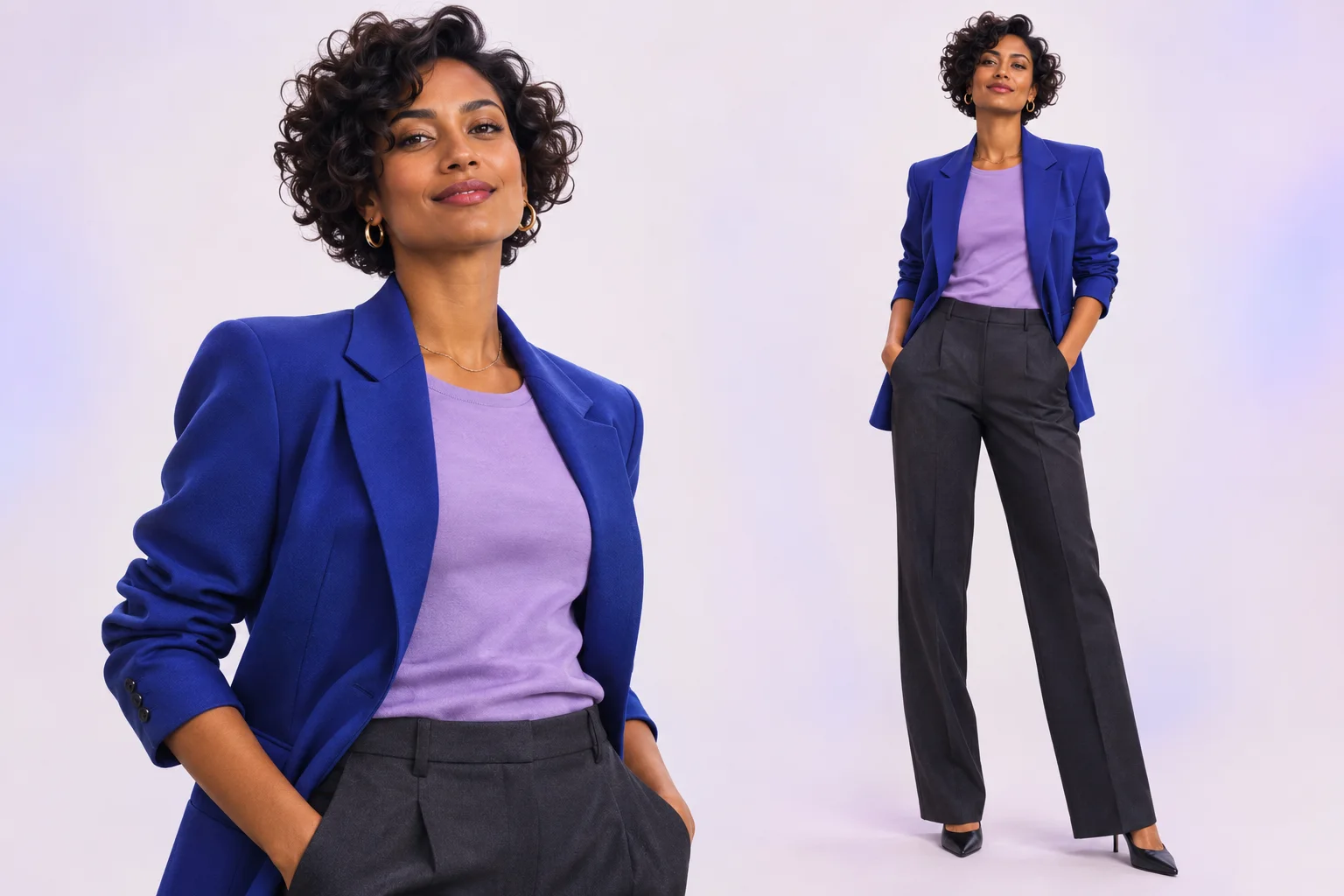
Create an AI influencer image
Design an AI influencer from your ideas, then explore ways to bring that character into motion.
- Start with a photo Optional
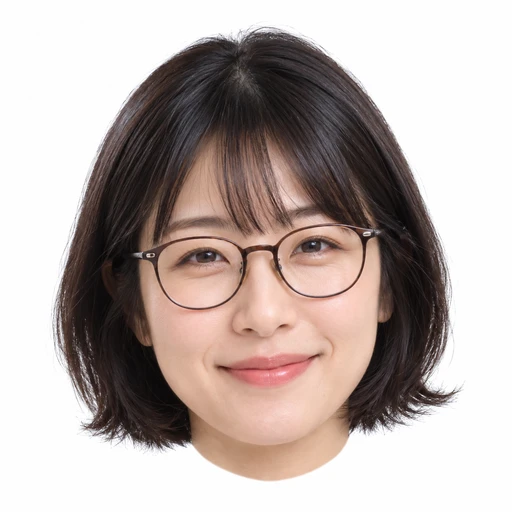 Average
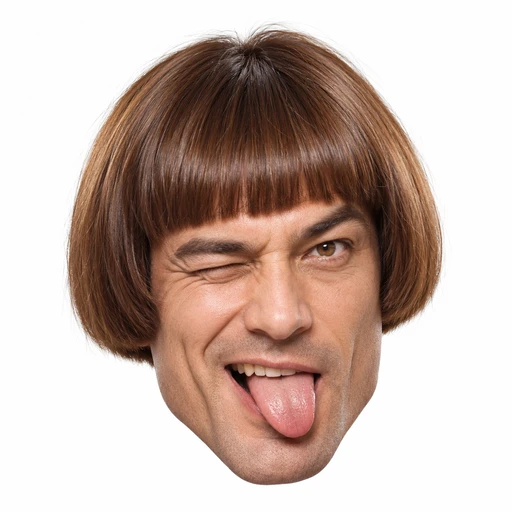 Bold
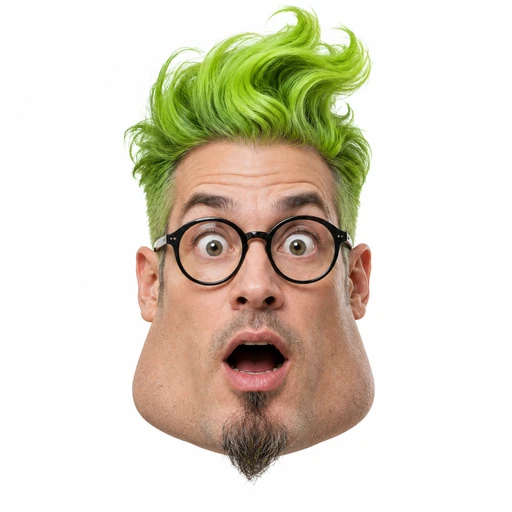 Extreme
STEP 1
Choose a starting idea
Choose a character type or start with your own description.
- Video trends
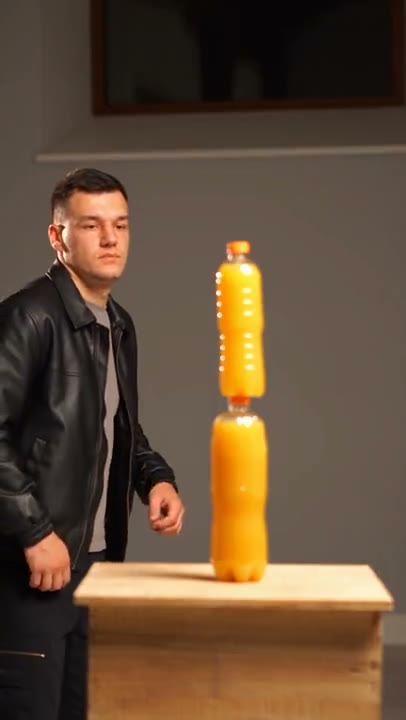 Bottle Kick AI
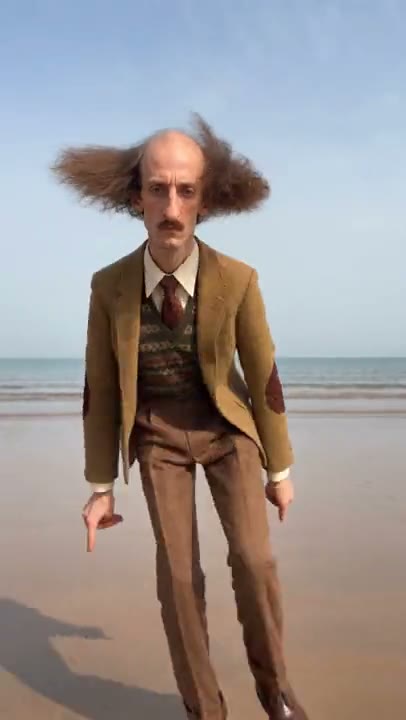 Jean Phil Dance AI
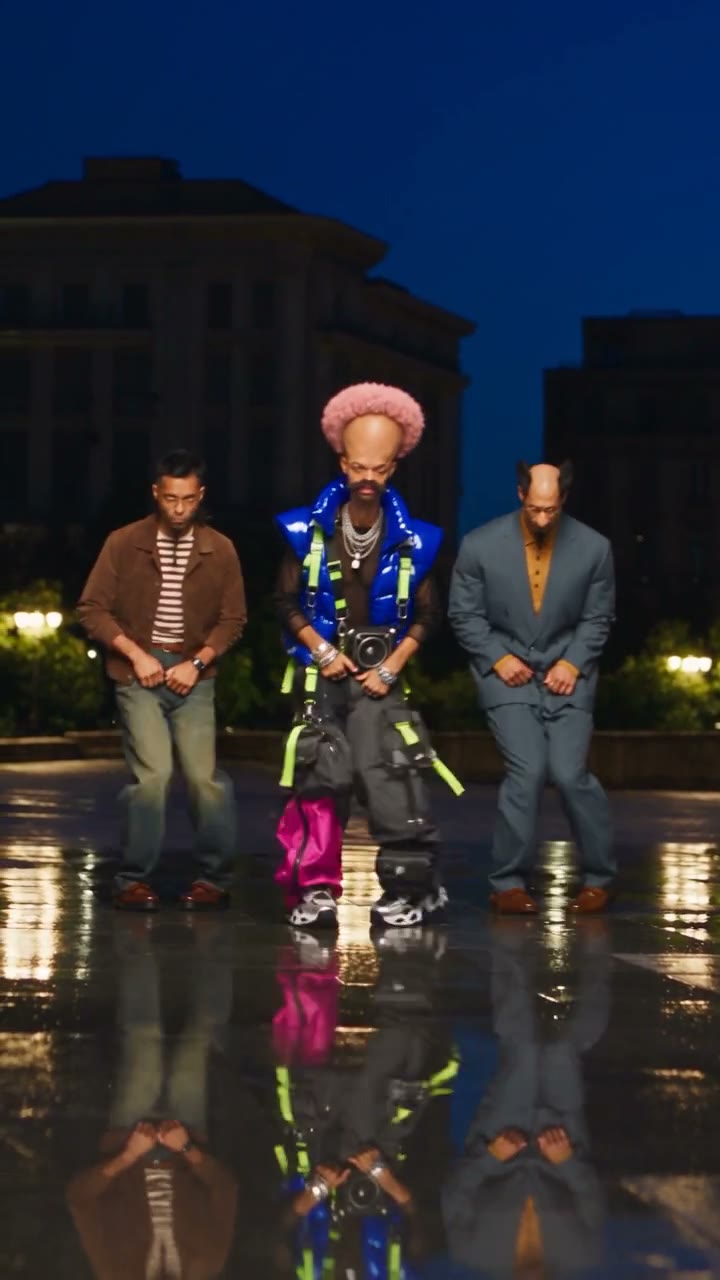 Trio Shuffle AI
STEP 2
Shape your character
Adjust the available appearance and style options.
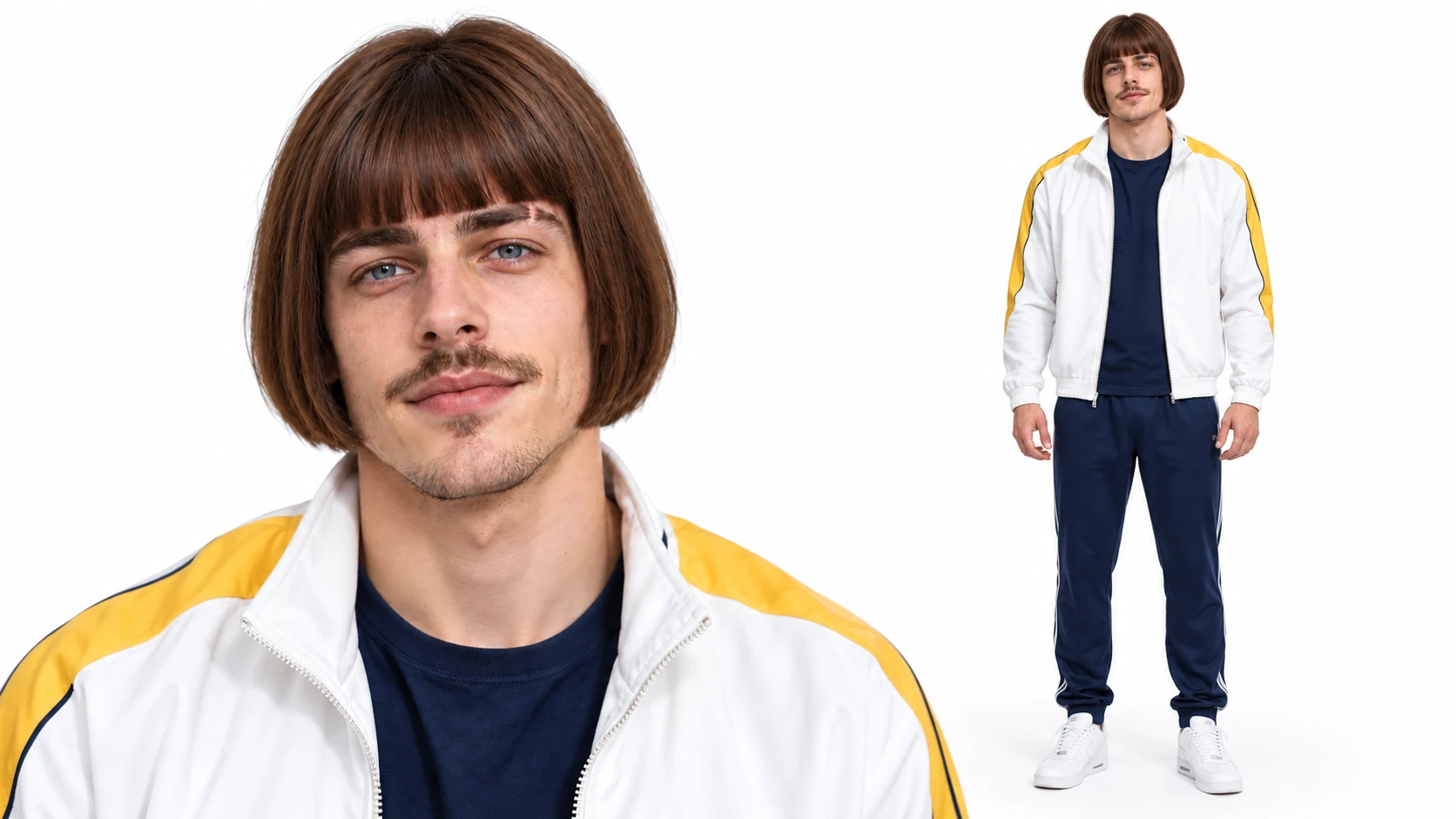 Character selectedGenerate
STEP 3
Generate and reuse
Review the image settings and generate while signed in. Use a result as a reference when exploring a video trend.
Explore a character across ideas
The character pictures are illustrations created for this page, not MT Video generations. Video previews are community examples; your results will vary.
Take a character into a new setting
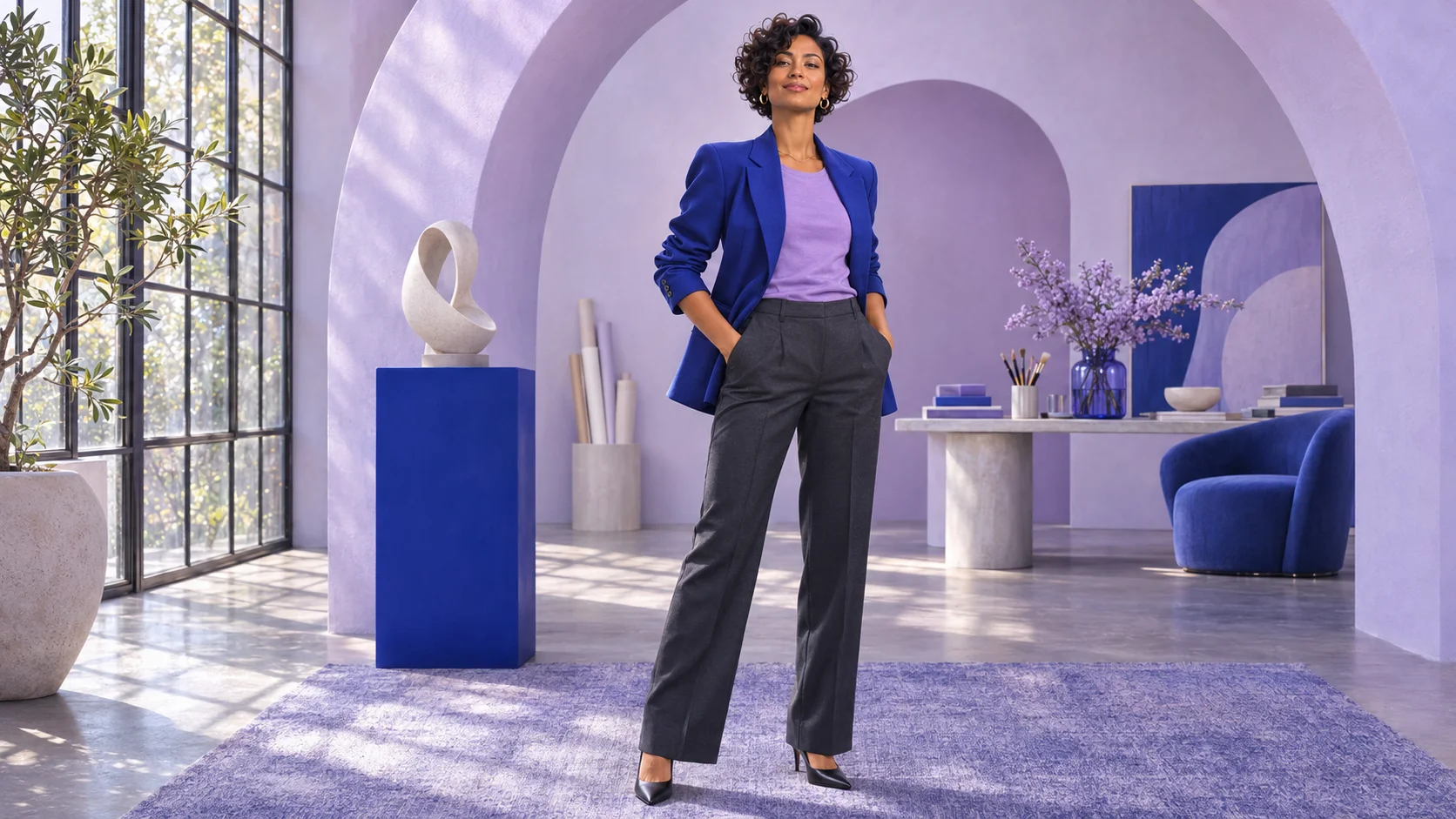
Once you have an AI influencer image, explore a scene using a compatible image model and your reference. Describe the setting, lighting and framing you want, and compare the result with the original AI influencer. The scene shown here is an illustration, not a generated result from MT Video.
Choose a performance to explore
Preview a dance, group performance or other video trend, then bring your AI influencer image into the selected workspace. Add the other photos required by the template and review its settings before generating. The video previews are community examples; AI influencer results vary.
AI character remixes
Bottle Kick AI
Jean Phil Dance AI
Trio Shuffle AI
Explore different looks
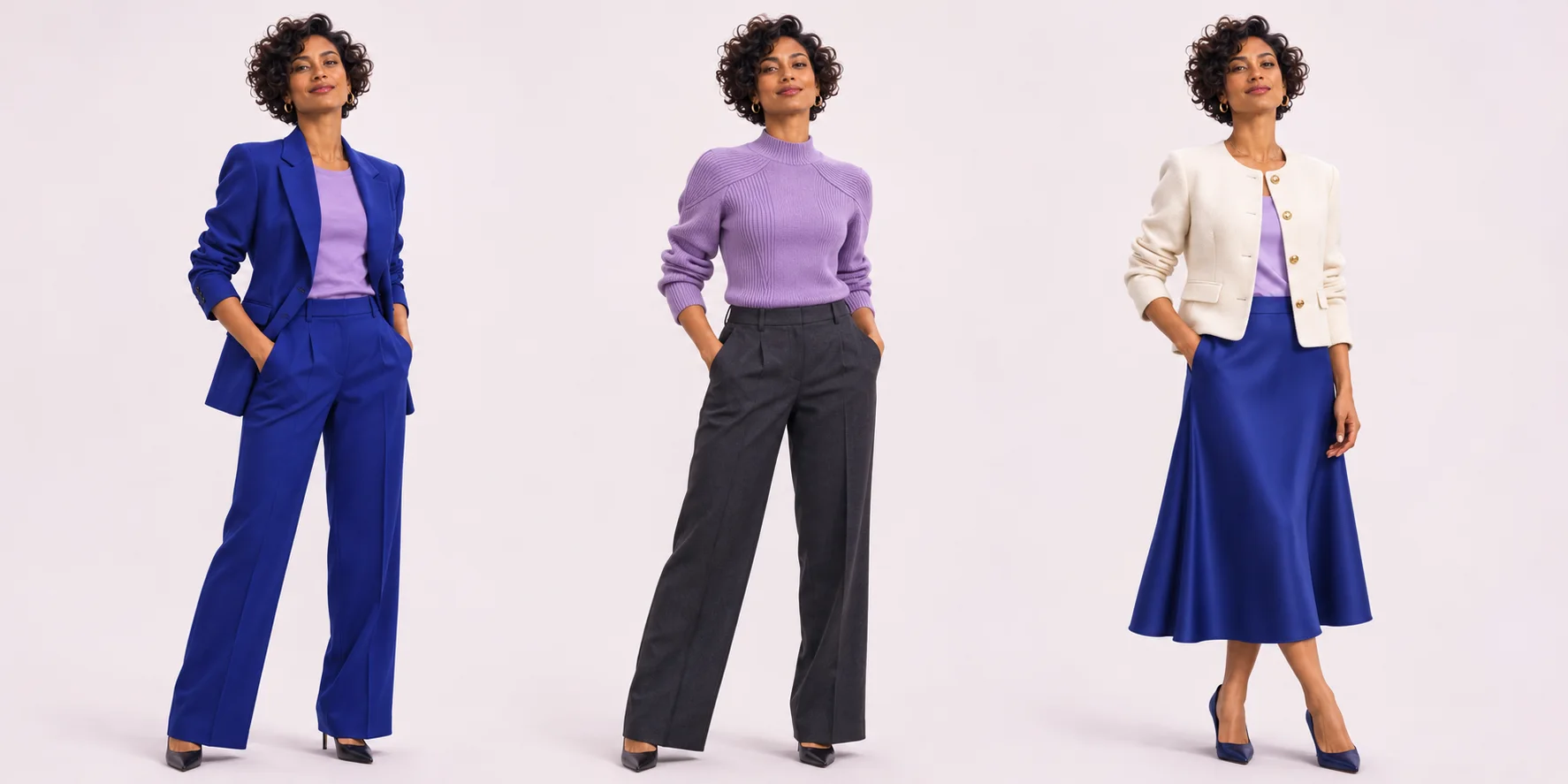
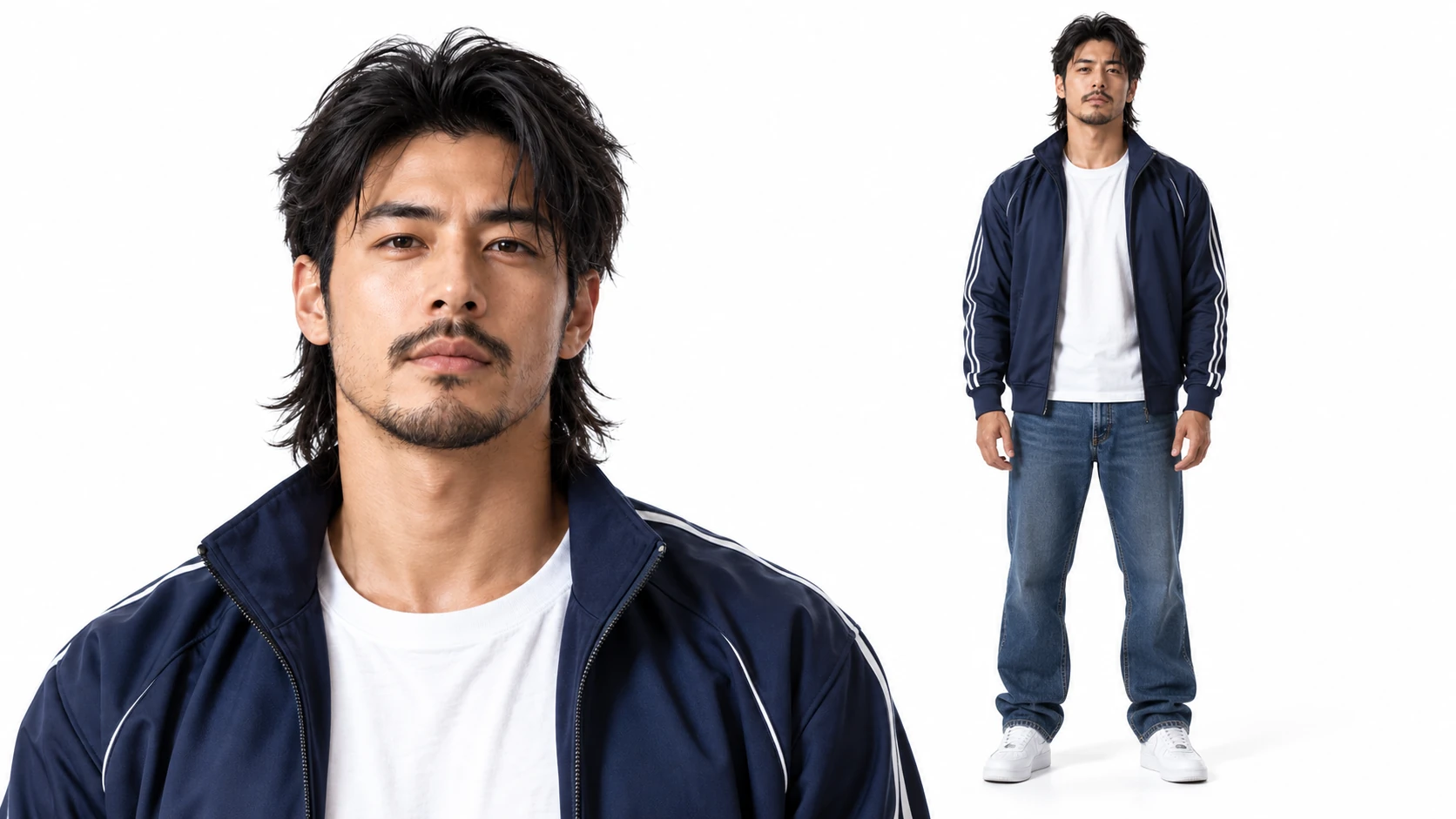
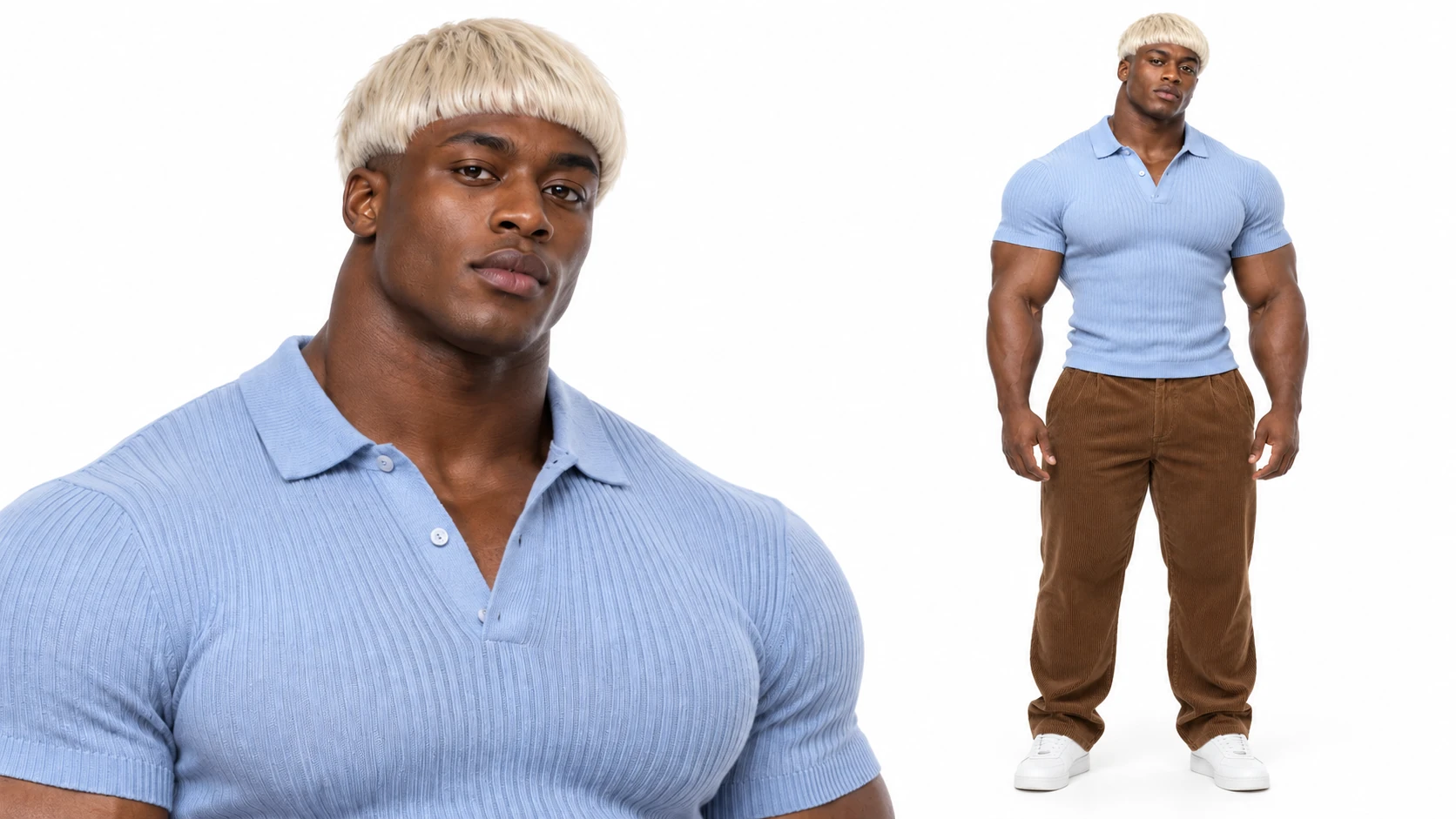
Try an AI influencer edit with a new outfit or hairstyle and compare the details with your reference. The three outfits shown here are illustrative concepts, not edits produced in MT Video. Review each generated AI influencer character sheet before choosing one for a video.
Keep creating with your images
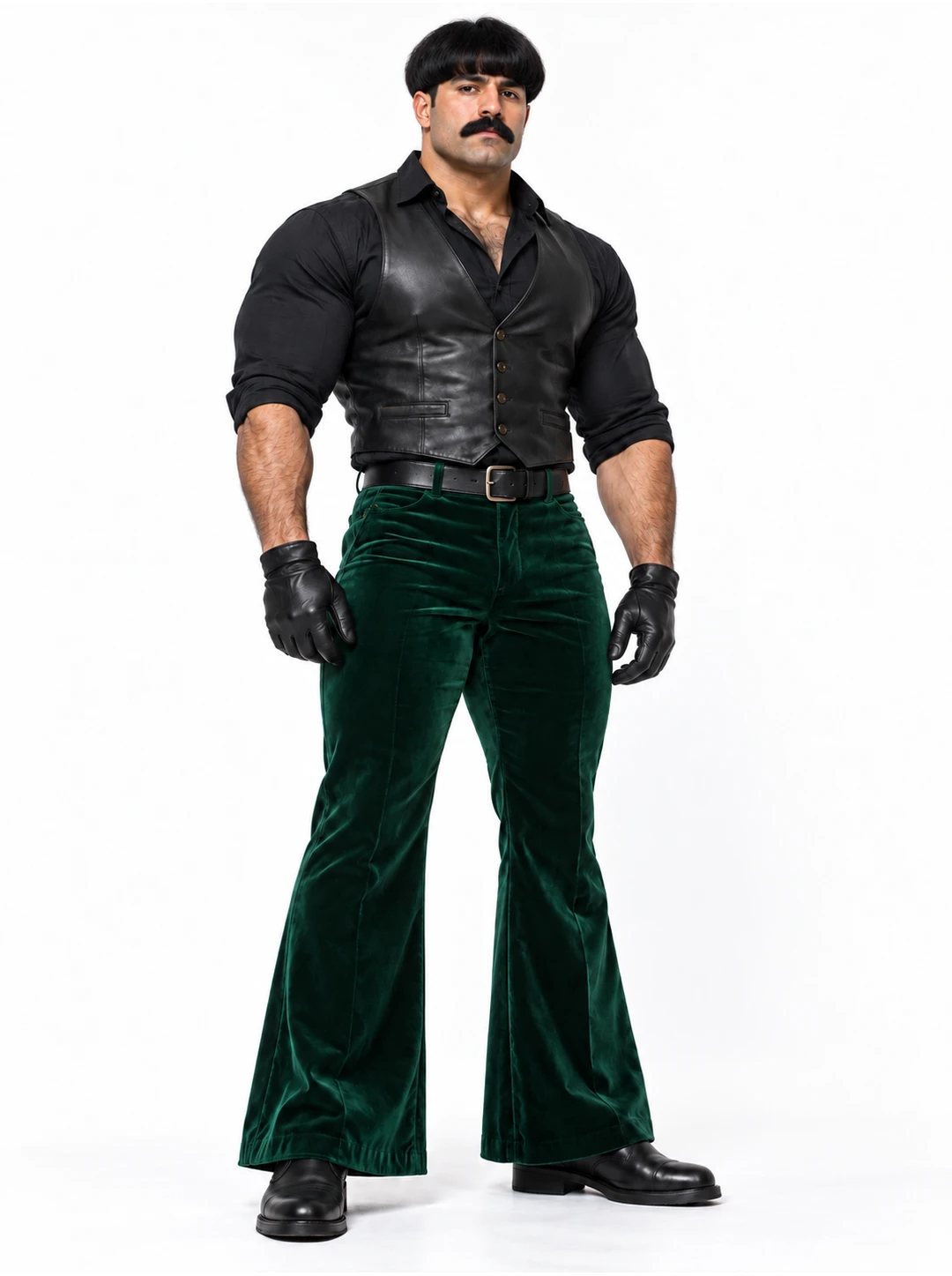
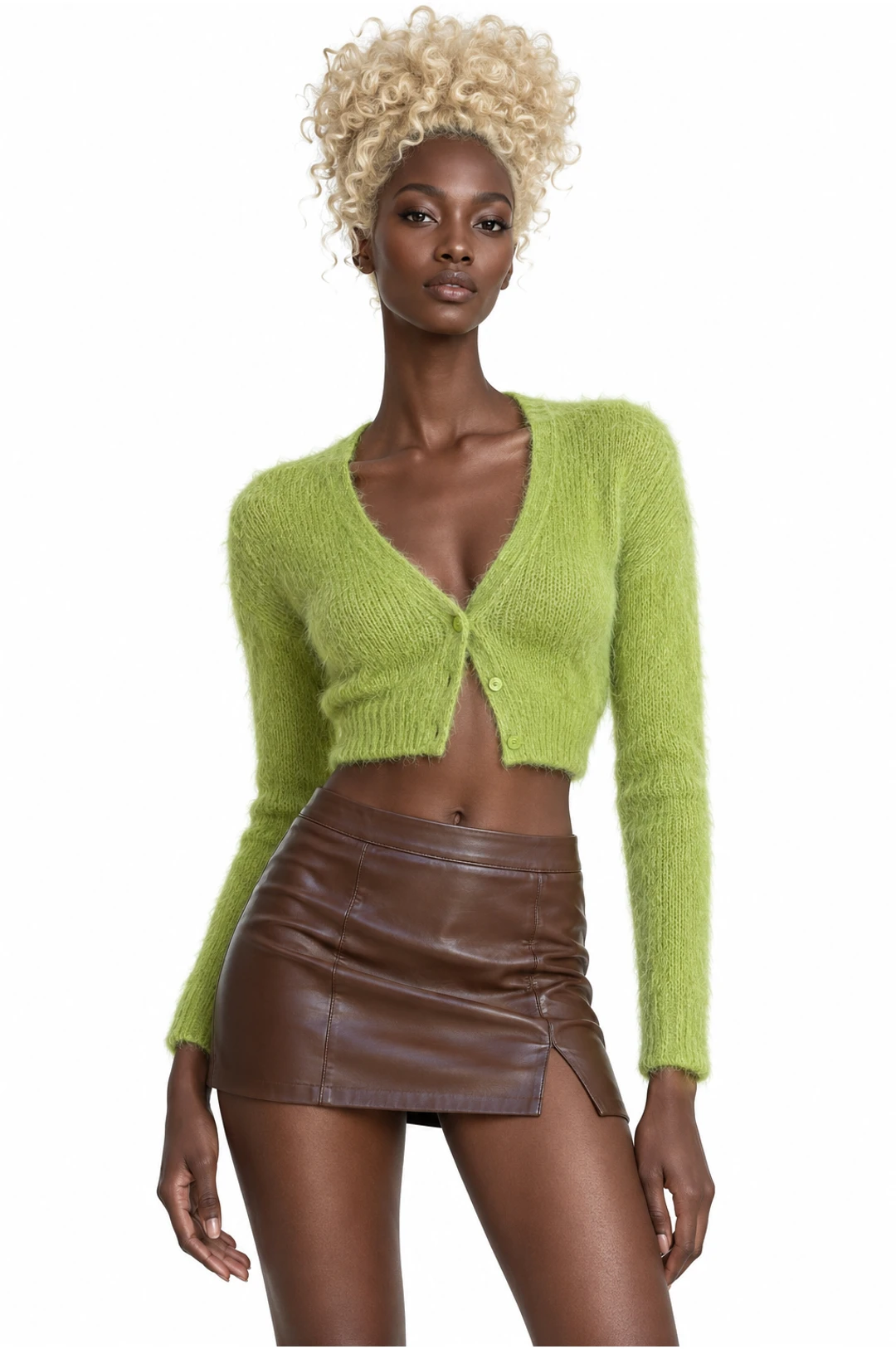
Open My images beside a supported photo input to select an upload or a completed AI influencer generation. You can carry the AI influencer into a compatible video workflow and review the selected image and remaining roles before submitting.
My images
AllUploadsGenerated
 UploadsGenerated
 Uploads
 Generated
 Uploads
 Generated
Plan an AI influencer character
Use a clear brief, review the character sheet, and choose a suitable next step.
Choose a visual direction
Decide where your AI influencer will appear, then choose a character type and describe the appearance or style you want to explore.
Prepare optional references
Use a clear photo when guiding the AI influencer’s appearance, and choose readable style references for clothing or styling.
Review the character sheet
Compare the face, hair, clothing and proportions across the AI influencer views before selecting a result to reuse.
Plan the next scene
Use the AI influencer image in a compatible image or video workflow, matching the reference crop and photo roles to the scene.
Create an AI influencer: questions and answers
What to know before you create.
How do I create my own AI influencer?
Choose a character type and adjust the available appearance controls, or add a description of your own. Think about the role your AI influencer will play: a fictional host, a travel character and a fashion concept may need different styling. Save a short description of the features you want to compare across versions.
Can I use a photo to guide my AI influencer?
Yes. The AI influencer form accepts an optional face photo. Choose a clear, well-lit image of yourself or an adult who has agreed to be shown, and review the site’s acceptable-use guidance. A photo provides a starting reference; the appearance in a generated character can still vary.
What are style reference images for?
Optional style references guide clothing and styling separately from the face photo. Choose images where the outfit and important details are easy to see. If your AI influencer combines several conflicting looks, try a more focused reference and compare the character sheet before deciding what to keep.
What should I check in the character sheet?
Open the completed AI influencer sheet at a useful size and compare the face, hair, clothes and body proportions across its views. A strong portrait does not guarantee every detail will match in the full-body view. Choose the result that communicates your character most clearly before using it elsewhere.
Can my AI influencer appear in a new setting?
You can use a completed AI influencer image as a reference in a compatible image workflow. Describe the new place and lighting, along with details you want to keep. Compare the new image with the original sheet: identity, clothing and small features can change between generations.
Can I turn an AI influencer into a video?
Use a generated image as a reference in a compatible video workflow, or explore a prepared performance in Video trends. Preview the scene and check its photo roles before creating. The chosen template may require additional images, and the resulting AI influencer video depends on the model and settings.
Which image works for a dance or performance?
Match the crop to the action. A close portrait may suit an upper-body scene; a full-body AI influencer image gives a dance more information about clothing, hands and feet. Preview the whole movement and check for turns or other people covering the subject. Supply separate images for separate required roles.
Why does the character look different in another scene?
An AI influencer can change between generations, particularly when the pose, clothing or setting changes. Try a clearer reference and adjust one element of the scene at a time. Keep the earlier image for comparison and review the credit estimate before requesting another version.
Where do I find a generated AI influencer image?
Review completed images in My creations or your account history. A supported photo input can also offer My images, where you can choose a saved result for a compatible workflow. Check the selected AI influencer image and any remaining required roles before submitting a new generation.
How much does an AI influencer image cost?
The workspace displays a credit estimate for the current model and available settings. Review the amount and your balance before submitting; another AI influencer generation can use additional credits. Sign in to create and check the pricing page for the available plans and payment status.
Can I share an AI influencer image or video?
Review the result for faces, hands, unexpected text and consistency before sharing. Make sure you have permission to use any people and other assets in your inputs. An AI influencer video can also contain music or third-party material with separate terms, so check the rights and the destination platform’s rules.
Create an AI influencer
Design an AI influencer from your ideas, then explore ways to bring that character into motion.