
Find your next AI video trend
Explore motion templates, choose a trend and make it your own with your photos.
Motion studio
Creations from this workspace appear here.
Find an idea in AI video trends
AI video trends give you a prepared scene to explore with your own photos. Preview the action and choose the roles that fit your idea.
Browse AI video trends by scene
Search the collection or use its categories to find AI video trends with a movement, pet, performance or setting you like. Watch each preview through to the end: a familiar opening can lead to a very different final shot. Choose a scene for its action as well as its appearance.

Prepare the cast for AI video trends
Different scenes call for different subjects. After choosing a scene, look at the required and optional photo roles in the workspace. A clear photo of each intended subject helps you see which input goes where. Use a full-body image for performances that need more than a close portrait.
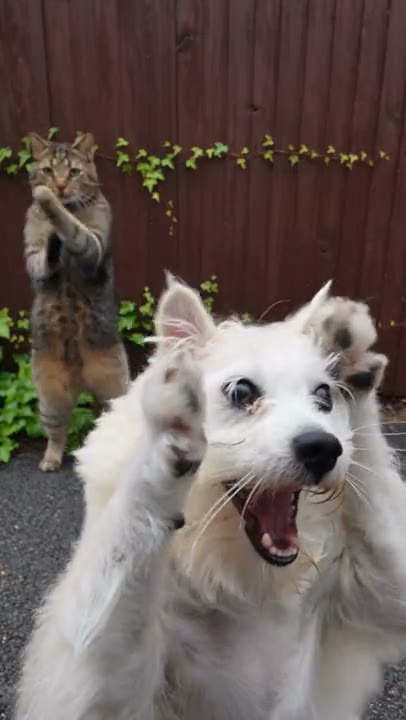
Review AI video trends from start to finish
Before generating AI video trends, review the model, available mode and credit estimate. When a video is ready, play more than the first few seconds. Check the faces, hands and any objects during interactions; watch how the final scene resolves, and listen if sound is available.
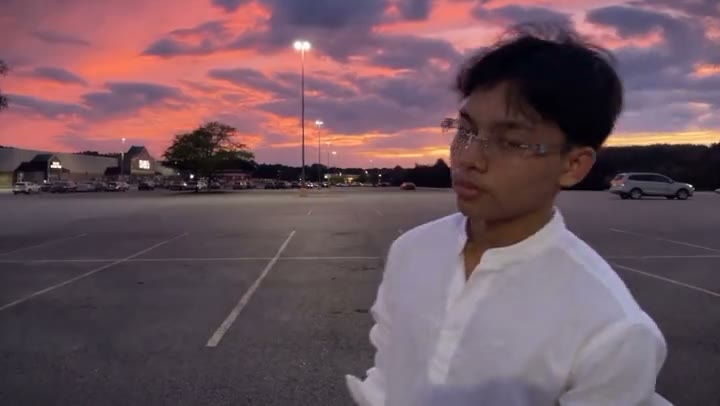
Make a trend video
Explore AI video trends, load a scene and check its inputs before you create.
Step 1
Find a trend
Explore the collection and preview a trend.
Step 2
Open its workspace
Select the template to load its workspace.
Step 3
Create your video
Add photos for the requested roles. Review the mode and estimated credits, then generate.
AI video trends: questions and answers
What to know before you create.
What are AI video trends?
AI video trends are reusable starting points built around a performance or visual scene. Choose one to load its prepared motion and instructions, then add photos for the available roles. The preview illustrates the idea; the appearance and details in your result can change with your inputs and model.
How do I find AI video trends for a particular idea?
Use the search field or browse the category filters above the collection. Search by a recognizable name or alias, or explore the categories when you have a general mood in mind. Preview several AI video trends before loading one, and watch for the number of people or subjects involved.
Can I make AI video trends with one photo?
Some AI video trends need one required photo; others have separate roles for multiple people, animals or objects. Select a template to see its labels and whether a role is optional. Prepare a clear image for each required slot in AI video trends rather than assuming the preview can be filled from a single group photo.
Which photos work well for AI video trends?
Match the crop to the scene. A close portrait can work for a facial reaction, while a full-body photo gives a dance more appearance information. For AI video trends with several roles, use separate photos and verify each label. Choose media you have permission to animate.
Do AI video trends require a motion upload?
Prepared AI video trends load their own reference when you choose a template. You supply the photos requested for its roles and review the remaining settings. If none of the AI video trends fits your performance, exit the template and use a compatible model with your own motion reference on the homepage.
Can I switch AI video trends before generating?
Yes. Explore other AI video trends and load a different template. If switching would replace inputs already in the workspace, read the confirmation before continuing. Browsing or previewing AI video trends does not submit a generation or spend generation credits.
Do AI video trends include music?
Sound behavior depends on the template and available mode. Check the preview and selected settings rather than assuming every scene includes the same soundtrack. Review the finished audio before sharing: access to AI video trends does not by itself grant rights to a song or other source material.
How much do AI video trends cost?
The workspace displays an estimated credit amount for the selected template and settings before submission. You can browse AI video trends without starting a job; generating AI video trends requires sign-in and an available balance. Check pricing and payment availability when you are ready to create.
Why can AI video trends differ from their previews?
AI video trends combine a prepared motion with your photos and the selected generation settings. Faces, clothing, backgrounds and timing can vary, especially when people overlap or move quickly. Review the whole result of AI video trends, then try a clearer image or a simpler scene if an important detail is difficult to follow.
Where do I find completed AI video trends?
Open My creations to review completed AI video trends and download the version you want to keep. If you plan to post an AI video trend, check the result, the permission for each person or asset in your inputs, and any music or platform requirements first.
Choose a scene for your next idea
Return to the collection, preview AI video trends and load a template in the workspace.