Create a video

Required photos1
Settings
Mode
Video length30s
Resolution

Make a Goodbye GTA 5 AI Video From Your Photo

Put a familiar face in a sunset goodbye story. One photo guides the traveler as the scene moves toward a final drive.

0:00 / —:—

Farewell videos from the community

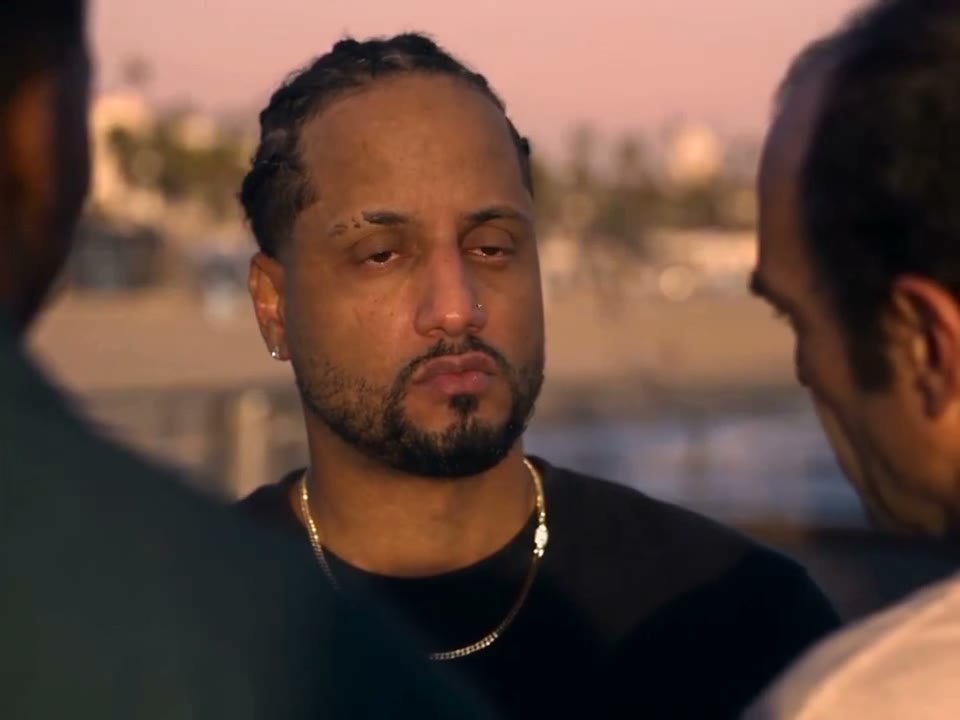
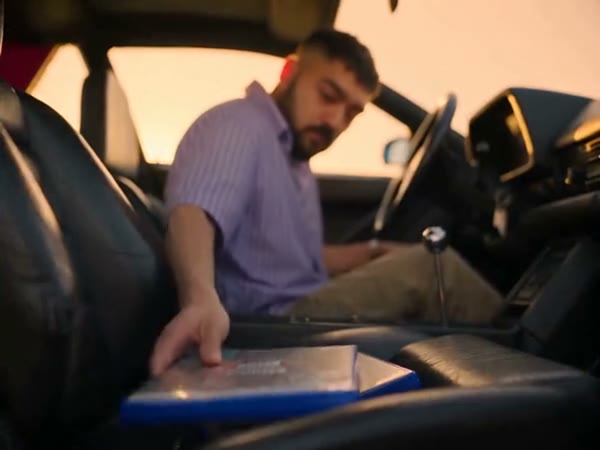
These external examples illustrate different travelers in the same scene; they were not made on this page.

What is a Goodbye GTA 5 AI farewell?

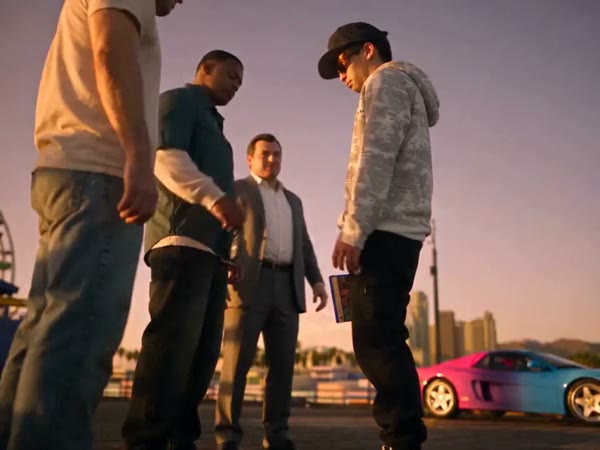
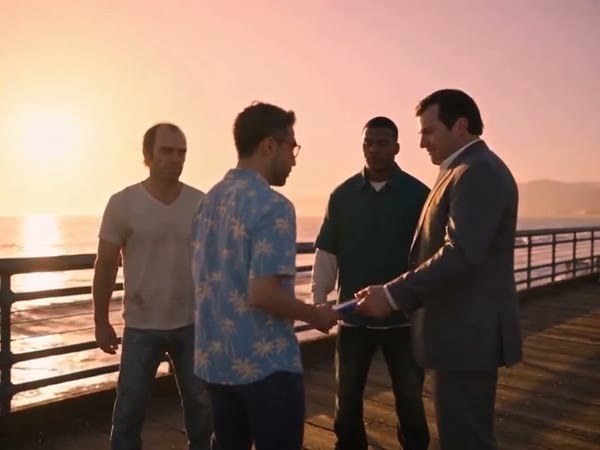
The Goodbye GTA 5 AI video generator creates a photo-led farewell using a prepared scene. Give MT Video one picture of a person, and the template uses it to guide the central traveler in a waterfront meeting and car exit. The complete reference contains a game case and keys, a goodbye and a drive; it supplies the supporting characters and editing. This fan-inspired page is independent of Rockstar Games.

A community-created traveler in the farewell story

Create your Goodbye GTA 5 AI video

Prepare a picture, select a length and review what MT Video makes.

  1. STEP 1

    Pick a person

    Upload one clear photo that you have permission to use for the traveler.

  2. STEP 2

    Compare the versions

    Select the complete sequence or the shorter later segment and check its estimated credit cost.

  3. STEP 3

    Play your result

    Generate from your signed-in account, review the video and sound, then download from My creations.

Shape a farewell around your portrait

Your image guides one role while the prepared footage supplies the story.

Put your own character into the story

The uploaded portrait supplies the appearance of the person receiving the farewell. Pick a sharp image with a recognizable face and visible hair and clothes; a waist-up or fuller view gives the model more context for scenes framed at different distances. The clip has only one editable person slot. The three people, the car and the sunset location are already part of the video and cannot be independently replaced on this page.
Put your own character into the story

Choose the story beat you want to keep

For the opening exchange and longer drive, choose Original. It uses the complete reference, approximately 30 seconds long. The Economy and Standard options use a 14.9-second portion beginning later; the workspace rounds its duration to 15 seconds. Those short versions include the goodbye close-up and start of the car journey, while the handoff appears only in the full reference. Review your mode and its credit estimate before creating.

Choose the story beat you want to keep

Watch the finished clip before sharing

Cuts and overlapping figures can make a generated face, hand or accessory change between shots. Play the entire result in My creations and inspect the close-up as well as the moment the traveler sits down. The delivery flow attempts to restore sound from the chosen reference, but audio restoration can fail. Listen to the downloaded version and confirm that you have the necessary rights to the picture, footage and sound before posting it.

Watch the finished clip before sharing

Before you choose a version

The supplied story stays recognizable while the selected portrait guides its lead.

One portrait

A single person image is used for the featured traveler.

Two lengths

The full reference retains the handoff; the shorter options begin later.

A prepared cast

The other figures and the location follow the source footage.

Goodbye GTA 5 AI video FAQ

Practical answers for planning your clip.

What should I upload?

Add one person photo to the traveler slot. Prefer an unobstructed face and clothing that can be recognized in both close and wide views.

Can I make a shorter version?

Yes. Economy and Standard use a later 14.9-second reference segment; the displayed setting is 15 seconds. Original uses the complete approximately 30-second clip.

Does the short clip include the game-case exchange?

No. That moment is in the opening of the full reference. The later segment starts with the goodbye portion and continues into the departure.

Can I change the car or the supporting cast?

The prepared video provides those elements. This template has one photo slot and does not provide separate car or supporting-character controls.

Is there music in the result?

The service attempts to restore the selected reference audio after generation. If that step fails, the finished clip may be silent.

How do I check the price?

Look at the credit estimate shown by the workspace for your mode and settings before submitting. A signed-in account needs sufficient credits.

Who made the example videos?

The additional community examples were created outside MT Video. They show different interpretations and are not a guarantee of your result.

Is MT Video connected to the game publisher?

No. MT Video is an independent service. Rockstar Games and the owners of Grand Theft Auto have not endorsed this page.

Make your own farewell clip

Add a portrait and select the story length that fits your idea.

A community portrait interpretation beside the water