Create a video

Required photos3
Settings
Mode
Video length23s
Resolution

Make a No Scrubs AI Video With Your Trio

Pick a lead and two side performers for a studio sequence. The preview shows the full clip; short modes use its first 14.9 seconds.

0:00 / —:—

No Scrubs AI ideas from different groups

Community-created examples show other casts; they were not made on this page.

What is a No Scrubs AI trio video?

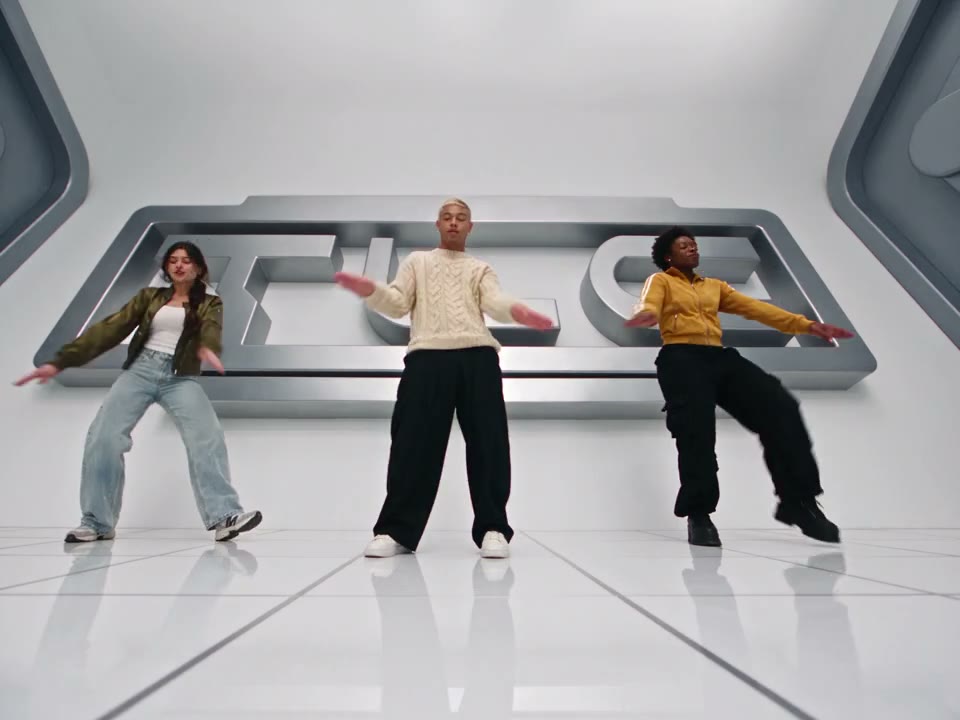
A No Scrubs AI video places three photo-guided people into a ready-made dance performance. The template combines a bright studio formation with close-up views and an elevator scene, following the choreography and edit of its reference clip. On MT Video, add three individual photos: the first guides the center lead, the next guides the viewer’s left performer, and the last guides the viewer’s right performer. Choose a short or complete version before generating. The No Scrubs AI video generator uses those images as appearance guides; the final faces, clothes and movements are interpreted by the model and may differ from the inputs.

A community cast in the studio performance

How to make a No Scrubs AI group video

Gather the pictures, pick the version and check the finished clip.

  1. STEP 1

    Gather the cast

    Choose three authorized photos with one recognizable person in each. Put the lead first and assign the left and right positions.

  2. STEP 2

    Pick a version

    Watch the full No Scrubs AI reference, then use a short mode for the opening segment or Original for the complete sequence. Review the displayed credit estimate.

  3. STEP 3

    Create and watch

    Sign in and generate. When your No Scrubs AI task is ready, open My creations, play the result and download the version you want to keep.

Plan a No Scrubs AI video for three

Use the role positions, preview and result checks to make the clip fit your group.

Build your No Scrubs AI group

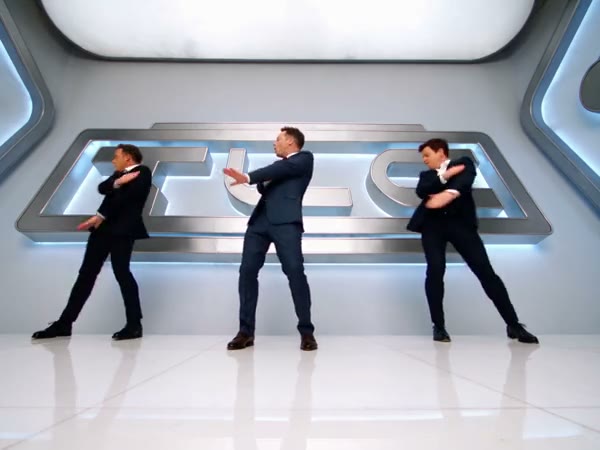
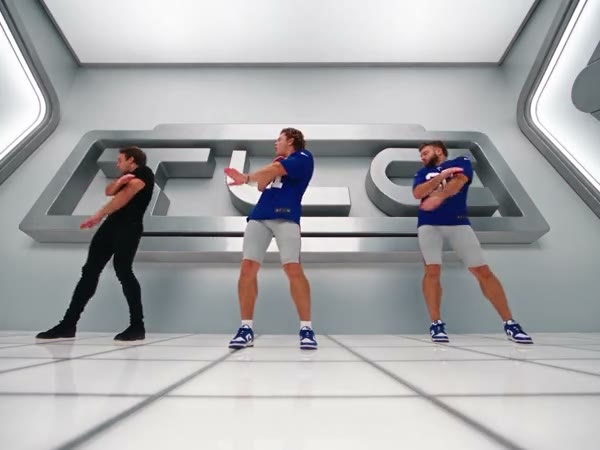
Plan the three No Scrubs AI positions before opening the workspace. The center person leads the formation and appears in the opening close-up. The person on the viewer’s left also receives later close-up time; the person on the right joins the group shots. Add one clear person image per slot and make sure you have permission from the people involved. A wider photo that shows the outfit and shoes can help the model interpret the dance, while a visible face supports the closer views. The slots assign roles rather than offering independent edits to the background or the other performers.
Build your No Scrubs AI group

Choose the right video length

A quick group clip and a longer No Scrubs AI performance begin with the same source footage. Economy and Standard use its first 14.9 seconds, shown as 15 seconds in the workspace. Original follows the approximately 23-second source through its later shots and ending. The preview player shows the full reference regardless of the selected mode, so check the timing when a particular solo moment matters to your idea. Both versions retain the prepared setting and choreography; this page does not provide a separate field for changing the soundtrack, lyrics, dance or studio. The estimate shown with the current settings tells you the expected credit cost.

Choose the right video length

Review the finished performance together

Once No Scrubs AI finishes, find the result in My creations and play it from start to finish. Check whether each person remains recognizable in the group shot and when the camera moves closer. Fast movement and overlap can affect faces, hands, clothing or the timing of gestures, so compare another attempt if a detail matters. The delivery flow attempts to restore the selected reference audio; if restoration fails, the result can be silent. Listen to the downloaded file and confirm permission to use the photos, footage and audio before sharing it with a group or posting it.

Review the finished performance together

Before your group starts

A No Scrubs AI video works best as a planned cast rather than an unlabeled collection of photos.

Decide the lead

The first No Scrubs AI slot guides the center performer and the opening individual view.

Name the sides

The next two slots refer to the viewer’s left and right, which makes the intended order easier to agree on.

Agree on the cut

Choose between the opening segment and the longer reference before checking the credit estimate.

Questions about your No Scrubs AI video

Photo preparation, video length and the checks to make before sending it on.

Can three friends make a No Scrubs AI video?

Yes. Add a separate photo for each of the three labeled roles: center, viewer’s left and viewer’s right. Make sure each person agrees to the use of their image and that you have the necessary permissions.

Can one person fill more than one No Scrubs AI role?

The template requires an image in all three slots. The same authorized person can be chosen for multiple slots, although the model can interpret that person differently across the performance.

Who takes the center slot in No Scrubs AI?

Use Photo 1 for the lead you want in the middle and opening close-up. Photo 2 is the viewer’s left dancer and appears in later close-ups; Photo 3 is the viewer’s right dancer in the formation.

What kind of photo works for No Scrubs AI?

Choose a sharp image with one visible person. A wider view provides useful clothing and shoe details, while a clear face helps the model interpret close shots. Avoid images where several people obscure the intended subject.

How long can my No Scrubs AI clip be?

Economy and Standard use the first 14.9 seconds of the prepared reference and display a 15-second setting. Original uses the full approximately 23-second reference, including later views and the ending.

Can our group choose another No Scrubs AI dance?

The routine, setting and camera cuts on this page come from the fixed reference. For a different performance, browse another template or use a workspace that lets you supply an authorized motion clip.

Does No Scrubs AI let us upload a song?

This template has no separate song or lyrics upload. The delivery flow attempts to restore audio from the chosen reference segment. Restoration can fail, so check the downloaded video before sharing it.

Why does my No Scrubs AI cast look different?

Faces, outfits and hands can vary as a model interprets the photos through changing angles and movement. Check all three roles across the cut and try a clearer image if the person is difficult to identify.

Who created the No Scrubs AI examples?

The community videos on this page were created elsewhere. They show different casts in the same prepared scene and should not be taken as verified MT Video generations.

Where do I find my finished No Scrubs AI video?

After the task finishes, open My creations to play and download it. Review both picture and sound before sharing, and confirm that you have the appropriate media permissions.

How much does a No Scrubs AI generation use?

The No Scrubs AI workspace shows the current credit estimate for the selected mode and settings. You need to sign in and have sufficient credits to submit the generation.

Bring your trio to No Scrubs AI

Add the three people and select the version you want to make together.

A community trio in another interpretation of the same routine