Create a video

Required photos1
Settings
Mode
Video length8s
Resolution

Make a Flower Nose AI Video With Your Pet

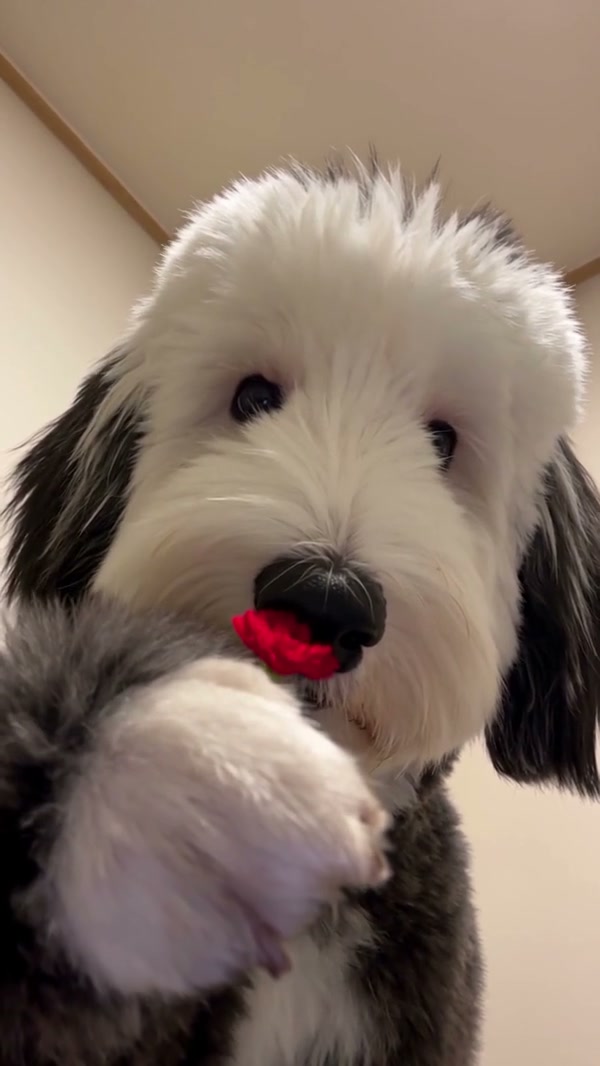
Add one pet photo to a short flower reveal. The first preview is the reference; the other shows an outside example.

0:00 / —:—
0:00 / —:—

Flower Nose AI video ideas

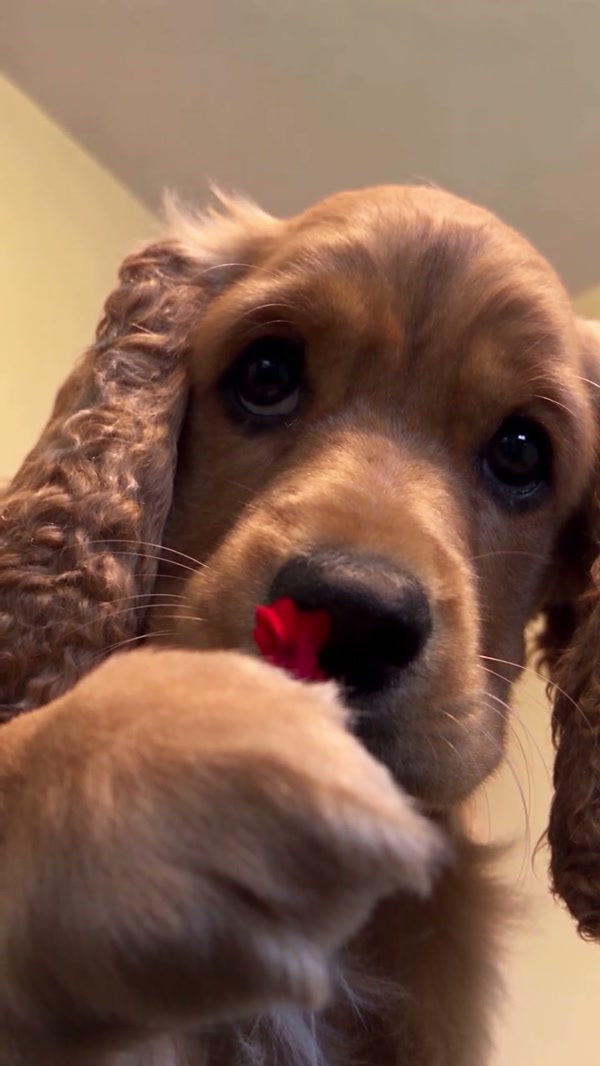
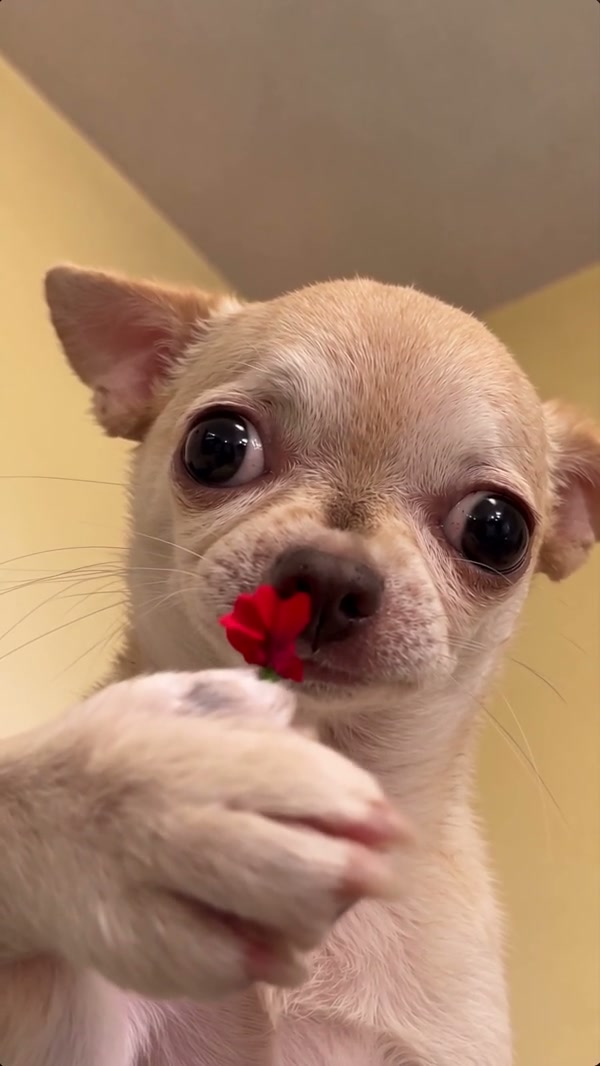
Compare externally created pet variations; the prepared reference is shown in the workspace.

What is the Flower Nose AI pet video?

Flower Nose AI turns a single pet image into an interpretation of a prepared close-up. In the source clip, a dog notices a little stem near its nose, moves a paw toward it and shows a red flower to the camera. Your image guides the featured animal; the indoor view and action come from the reference. MT Video generates a new clip from these inputs, so the animal’s expression, markings and contact with the flower can change. It is an invented video effect, not an instruction to handle or film a pet with a flower. Use Flower Nose AI for a pet greeting or a brief reveal in a personal montage. If you add text after downloading Flower Nose AI, check that the caption does not obscure the face or the red bloom.

Community dog performing a similar flower reveal

Make your Flower Nose AI video

A single pet image is enough to set up the prepared scene.

  1. STEP 1

    Select a picture

    Place one clear, authorized pet portrait in the required photo slot.

  2. STEP 2

    Pick the settings

    Watch the Flower Nose AI reference and compare the available modes and their displayed credit estimates.

  3. STEP 3

    Watch the finished clip

    Sign in and generate, then open My creations. Inspect the face, paw and audio before you save the video.

A pet moment with a beginning and reveal

See how the portrait, fixed action and review step work together.

Choose a Flower Nose AI pet photo

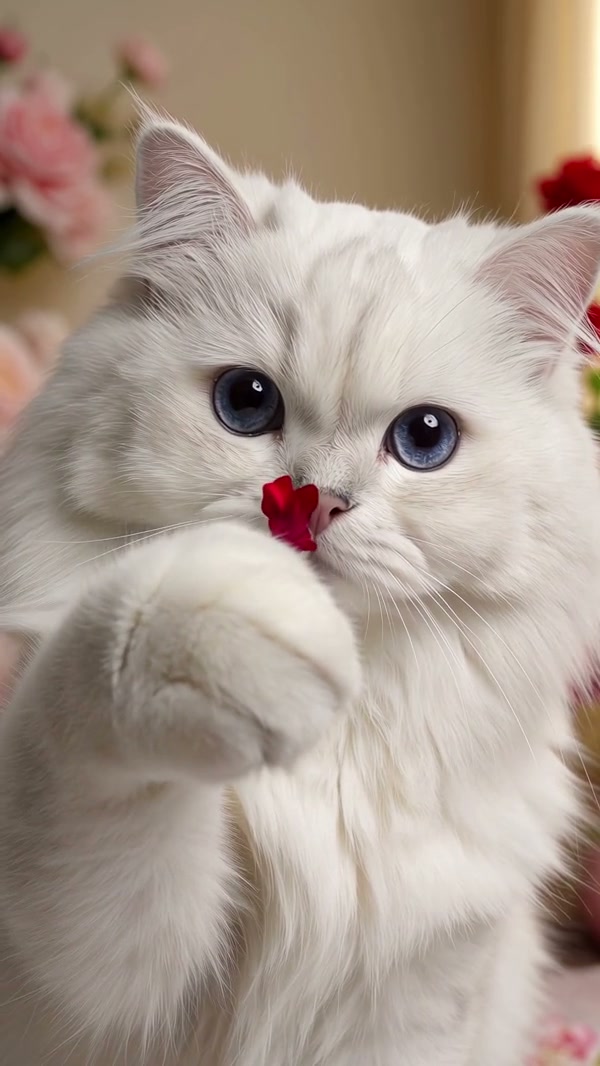
A familiar face makes a Flower Nose AI pet video personal. Choose a well-lit picture where one animal is easy to identify and the muzzle, eyes and ears are visible. A close portrait is useful for this reference because the camera stays near the face; very small or obstructed subjects provide less information. Dogs match the reference subject most directly. A cat photo is also possible to try, although the model may not reproduce cat paws and facial structure in the same way as a community example. For Flower Nose AI, consider how the face reads on a phone screen. A clear muzzle and contrasting markings can be more useful than a distant group shot when the reference brings the animal close to the camera.
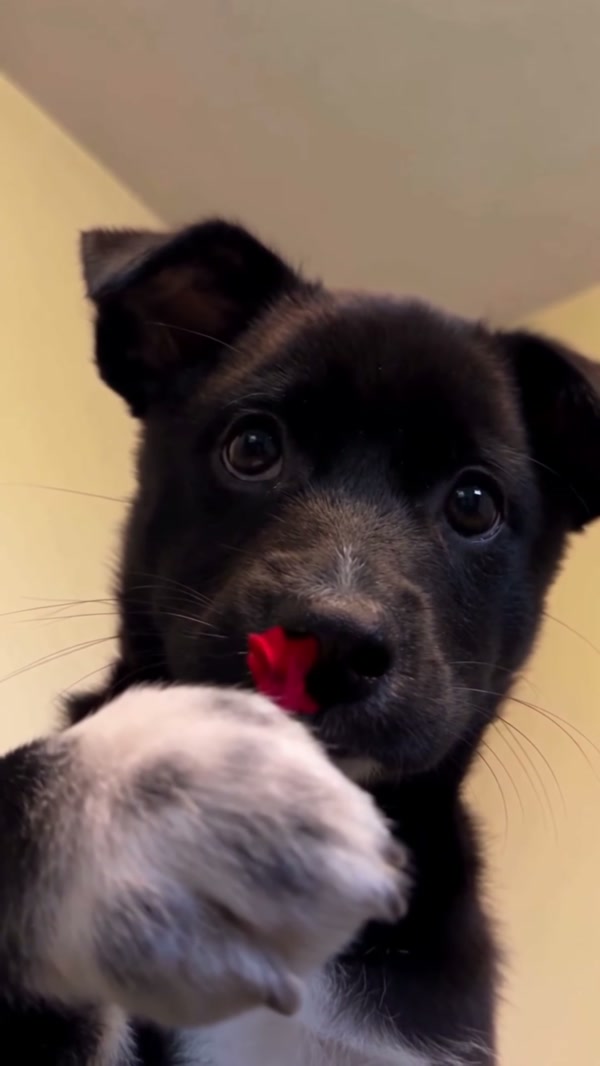
Choose a Flower Nose AI pet photo

Plan the Flower Nose AI reveal

The Flower Nose AI sequence has a simple beginning, action and reveal: a green stem appears by the nose, a paw moves up and the flower is shown forward. You can use the result as a lighthearted message or add it to a pet montage. The reference sets the indoor framing and the order of those movements. The page does not provide a selector for flower color, location or a new gesture. Check the preview first if a particular prop or scene matters to your idea. Keep the fixed Flower Nose AI framing in mind when planning a greeting or montage. The preview shows the prepared setting and gesture; a different flower or a new background would need a tool that exposes those choices.

Plan the Flower Nose AI reveal

Check the video from beginning to end

All available modes use the same approximately eight-second Flower Nose AI reference; the selected model and credit estimate can differ. After generation, watch the face as the paw crosses it and look for changes to markings or the flower. The service attempts to add back the reference audio during delivery, although a failure can leave the result silent. Play the downloaded video to verify the sound. Have permission for the pet photo and any audio you plan to share. Before adding Flower Nose AI to another edit, watch the saved file at normal speed and with sound. Check the transition as the paw passes the face, then decide whether the generated bloom and the pet’s features remain recognizable.

Check the video from beginning to end

A quick checklist for a recognizable pet

Good source detail and a final review help you decide whether the result suits your intended use.

One visible animal

An unobstructed face gives the model an identifiable subject.

Ready-made scene

The flower reveal and indoor camera are supplied with the template.

A short vertical clip

The full source runs about eight seconds and is used in every available mode.

Before making a Flower Nose AI video

Answers about pet images, the supplied scene and delivery.

What do I upload for Flower Nose AI?

Upload one pet picture for Flower Nose AI. Choose an image you are entitled to use with the face and nose unobstructed.

Does Flower Nose AI add the flower to my original photo?

The model generates a video guided by the photo and the prepared motion clip. The reference supplies the flower action; it does not physically alter your pet.

Can Flower Nose AI show a cat instead of a dog?

You can try a cat photo in the pet slot. The reference itself is a dog, and the way the model adapts the paw and face may vary.

Can I choose another Flower Nose AI soundtrack?

There is no separate music selector here. Delivery attempts to restore audio from the reference; the output can be silent if that step fails.

How much of the Flower Nose AI source is used?

The roughly 8.05-second Flower Nose AI source is short enough for Economy, Standard and Original to use the whole reference.

Can Flower Nose AI change the flower color?

The Flower Nose AI reference shows a red bloom. There is no dedicated flower-color control, and generated details may differ.

What if Flower Nose AI makes my pet hard to recognize?

Try a sharper, well-lit portrait with the face, ears and markings visible. Results are still generated interpretations and can change between frames.

Are the clips shown here guaranteed results?

The Flower Nose AI community clips were made elsewhere and demonstrate possible variations. They are not a test of this page’s current output.

How do credits work for this clip?

Check the Flower Nose AI estimate beside your selected settings. Sign-in and enough credits are needed before the task can be submitted.

Make your own Flower Nose AI moment

Add a pet portrait and check the preview in the workspace.

Flower Nose AI