Create a video

Required photos2
Settings
Mode
Video length26s
Resolution

Make a Goalkeeper Saves AI Football Video

Choose who shoots and who guards the goal. The first preview shows the complete reference; the second is an outside example.

0:00 / —:—
0:00 / —:—

Goalkeeper Saves AI video ideas

See external variations of the night-pitch scene.

What is a Goalkeeper Saves AI video?

A Goalkeeper Saves AI video recasts two roles in a prepared football sequence. The source alternates between shots from an outfield player and a goalkeeper performing saves and crossbar movements on a lit pitch at night. On MT Video, upload a photo of the kicker first and a photo of the goalkeeper second. The scene and edit are guided by the fixed reference; the model uses the images to interpret the two people and their outfits. It is a creative video effect, and generated faces, clothes and movements can differ. Goalkeeper Saves AI can become a playful sports greeting for two consenting people. A finished Goalkeeper Saves AI clip can be paired with a caption after download; check that the caption stays clear of the ball and players.

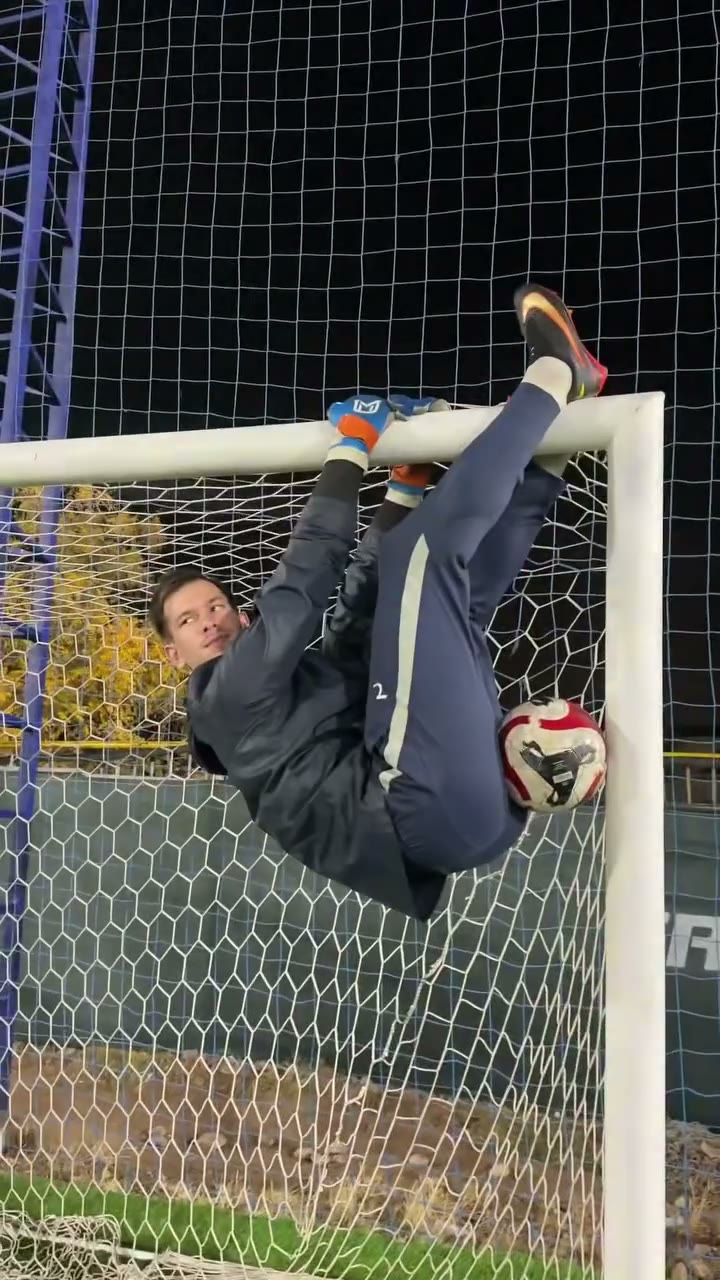
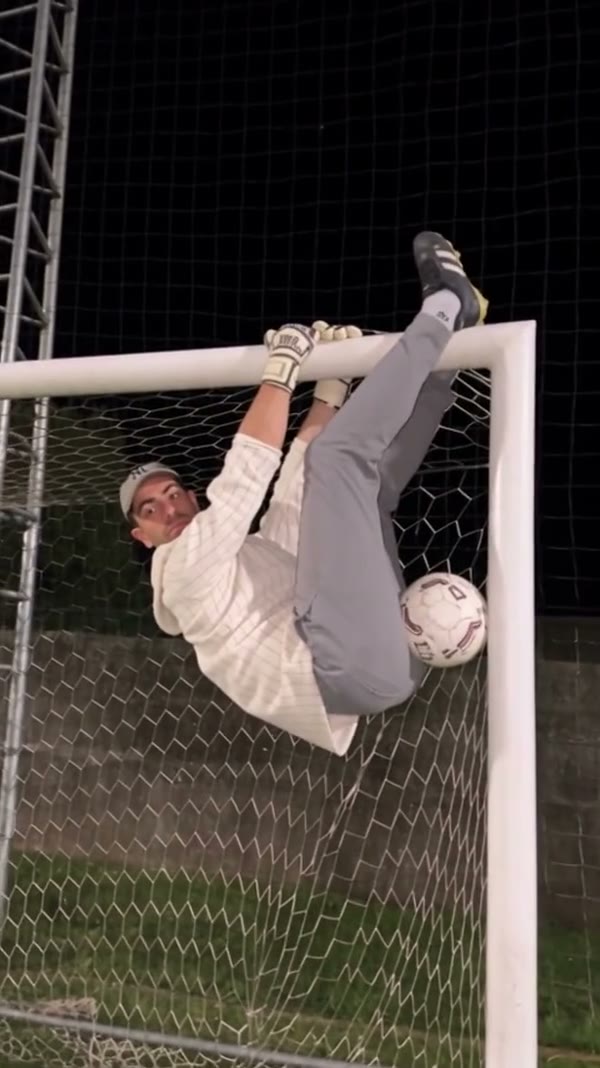
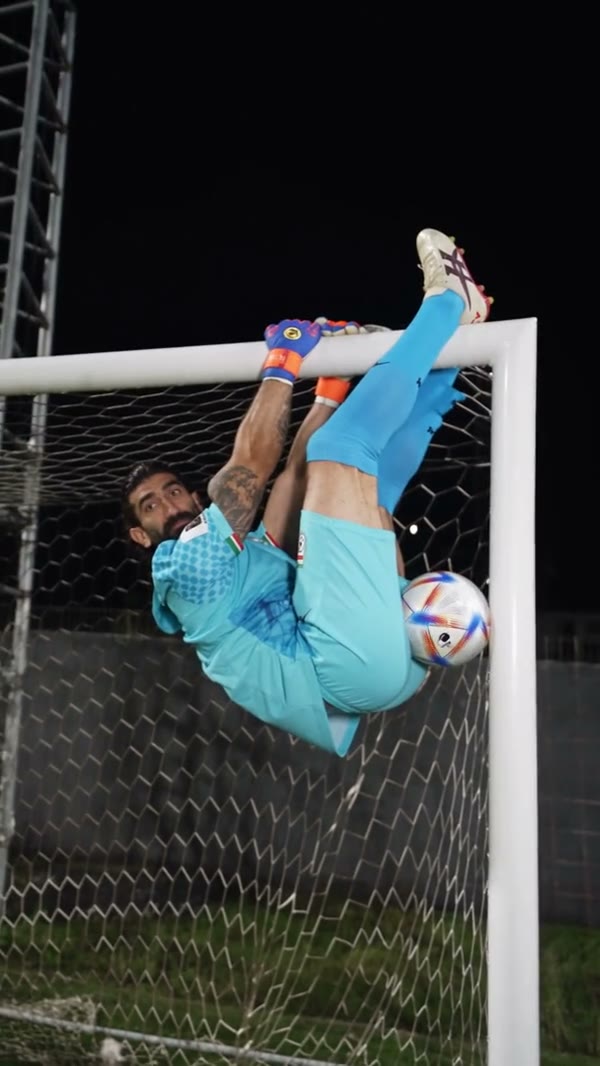
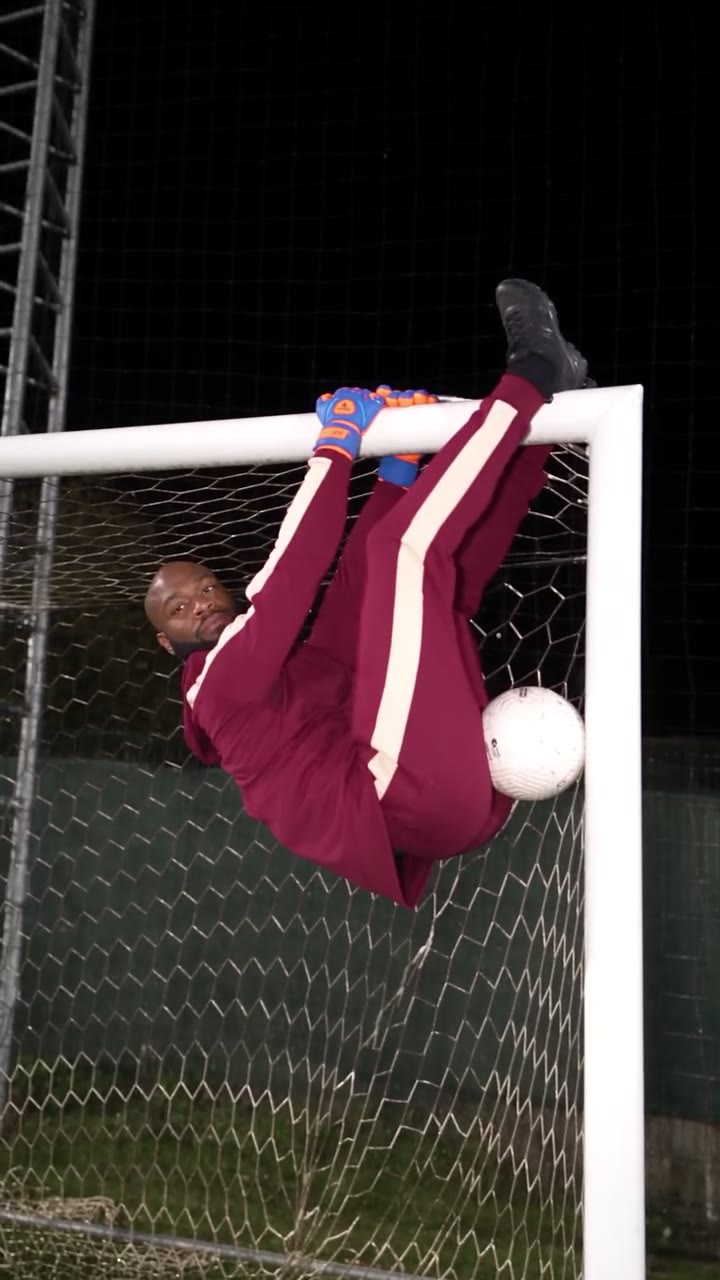
Community goalkeeper on the crossbar

Create a Goalkeeper Saves AI clip

Gather two portraits and choose how much of the source to follow.

  1. STEP 1

    Choose the shooter

    Add the person you want taking the kicks in the first required photo slot.

  2. STEP 2

    Choose the keeper

    Add a second photo for the player at the goal. Check the labels so the roles do not get reversed.

  3. STEP 3

    Review and submit

    Select a mode, inspect the credit estimate and sign in to create. Watch the result, including audio, before downloading.

Make the cast your own

The photos select the two performers while the prepared clip supplies the pitch and action.

Pick the Goalkeeper Saves AI players

Before making a Goalkeeper Saves AI clip, decide which person belongs in each role. The first photo guides the player taking the kicks. The second guides the keeper, including moments when that person is upside down or partly hidden by the goal. Choose clear individual photos with visible faces, hair and outfits. Wider shots can provide context for full-body movement, while close facial detail helps the model during cuts. The goalkeeper gloves stay as a functional part of the source action, though generated details may change. For Goalkeeper Saves AI, label the photos for yourself before upload: the first is the shooter and the second is the keeper. Separate images with visible faces and clothing make it easier to compare each role with the finished clip.
Pick the Goalkeeper Saves AI players

Choose a Goalkeeper Saves AI length

The complete Goalkeeper Saves AI reference runs for approximately 25.66 seconds. Original uses that full sequence. Economy and Standard use its first 14.9 seconds, displayed as 15 seconds in the workspace; later material is outside the short selection. The pitch, goal, lighting, camera and save sequence come from the source. You cannot independently replace the venue or script a different ball path on this page. Watch the reference and compare the available mode estimates before choosing a version. A Goalkeeper Saves AI short version starts with the same opening action but stops before the full reference ends. Review the reference for the specific moment you want and compare the displayed mode and credit estimate before submitting.

Choose a Goalkeeper Saves AI length

Watch the finished football edit

After your Goalkeeper Saves AI task finishes, play the whole file in My creations. Check that the kicker and keeper remain identifiable during cuts, that hands and the ball make sense, and that the crossbar remains coherent when the goalkeeper hangs or flips. The delivery flow attempts to restore the chosen reference audio; if it fails, the file may be silent. The examples are outside community creations, so they are inspiration rather than a guarantee of your result. Confirm you can use the photos and audio before sharing. Watch Goalkeeper Saves AI through its changes of angle. Compare each player with the correct photo, look for sudden changes during the keeper’s inverted pose, and listen to the download after the audio-restoration step.

Watch the finished football edit

Pick a version for your idea

A short cut and the full reference start with the same football footage.

Opening segment

Economy and Standard use the first 14.9 seconds.

Complete sequence

Original follows the approximately 25.66-second reference.

Photo assignment

The first image guides the kicker; the second guides the goalkeeper.

Questions about your football video

Role order, duration and what to review before sharing.

Who should be in Goalkeeper Saves AI Photo 1?

Use Photo 1 for the outfield player who takes the kicks in Goalkeeper Saves AI.

Who should be in Goalkeeper Saves AI Photo 2?

Use Photo 2 for the Goalkeeper Saves AI goalkeeper at the goal, including the crossbar and inverted movements.

Does Goalkeeper Saves AI require two separate photos?

The form requires two image inputs. Choose one clear person per slot; you can reuse an authorized person if you want, with no guarantee of identical interpretation.

How long is the full Goalkeeper Saves AI source?

The complete vertical Goalkeeper Saves AI reference is about 25.66 seconds. Original uses the full clip.

Do the short Goalkeeper Saves AI modes show the ending?

Economy and Standard use the first 14.9 seconds, so events later in the complete source can be absent.

Can I upload a new goal or ball for Goalkeeper Saves AI?

This template has no separate ball or venue slot. The goal and other props are supplied by the reference.

Does the keeper keep gloves?

The Goalkeeper Saves AI prompt asks for the goalkeeper gloves to remain as functional props; the model can still alter small details.

Will my clip have the reference sound?

Goalkeeper Saves AI attempts sound restoration after generation. It may fail, so play the downloaded result to check.

Why are the example people different?

The examples are community clips created outside MT Video. They show other casts and do not establish what your generation will look like.

Where is the cost shown?

Choose your Goalkeeper Saves AI mode and read the live credit estimate in the workspace. Sign-in and enough credits are required to submit.

Cast your Goalkeeper Saves AI video

Add the kicker and keeper to their labeled slots.

Goalkeeper Saves AI