Create a video

Required photos1
Settings
Mode
Video length18s
Resolution

Grand Theft India AI Video Generator

Turn one picture into a Grand Theft India AI reaction video set beside a television. Preview the reveal and select a full or shortened edit.

0:00 / —:—

Discover Grand Theft India AI

Grand Theft India AI places one uploaded subject in a prepared visual sequence. It can be used for a fictional surprise-reveal edit or a game-night reaction. The template supplies the action, scene and camera changes; your image guides the player. Generated results can vary in likeness and details, so use the preview to decide whether the scene fits your idea.

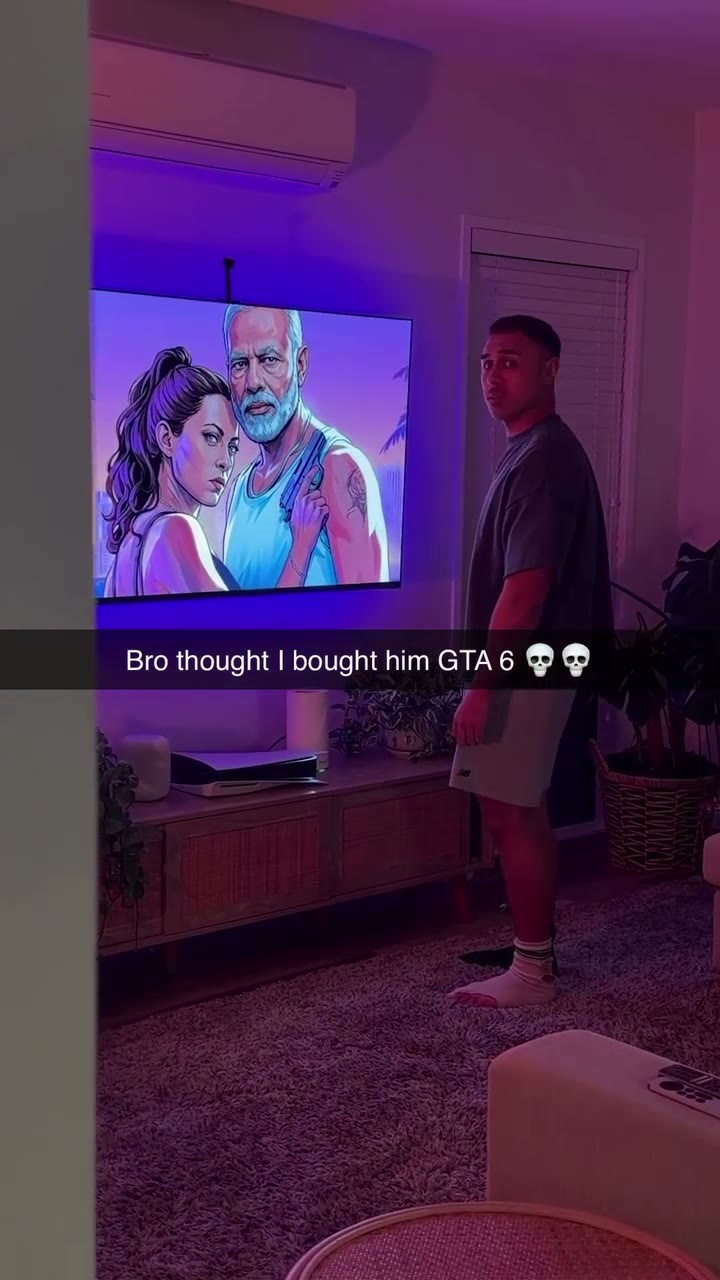
A person beside a television during a game reveal

Make a Grand Theft India AI video in three steps

Set the Grand Theft India AI cast, choose a mode and examine the finished video.

  1. STEP 1

    Supply a picture

    Choose one permitted photo for the player slot. Keep the person clearly visible and verify the input before moving on.

  2. STEP 2

    Select a mode

    Compare the shorter selection with the full reference. Check the duration, available resolution and credit estimate in the workspace.

  3. STEP 3

    Create and play

    Submit after signing in. Open My creations when the job finishes, play the full video and listen to its audio.

Explore the Grand Theft India AI sequence

The reference sets the scene; your image supplies one featured subject.

The visual beats in Grand Theft India AI

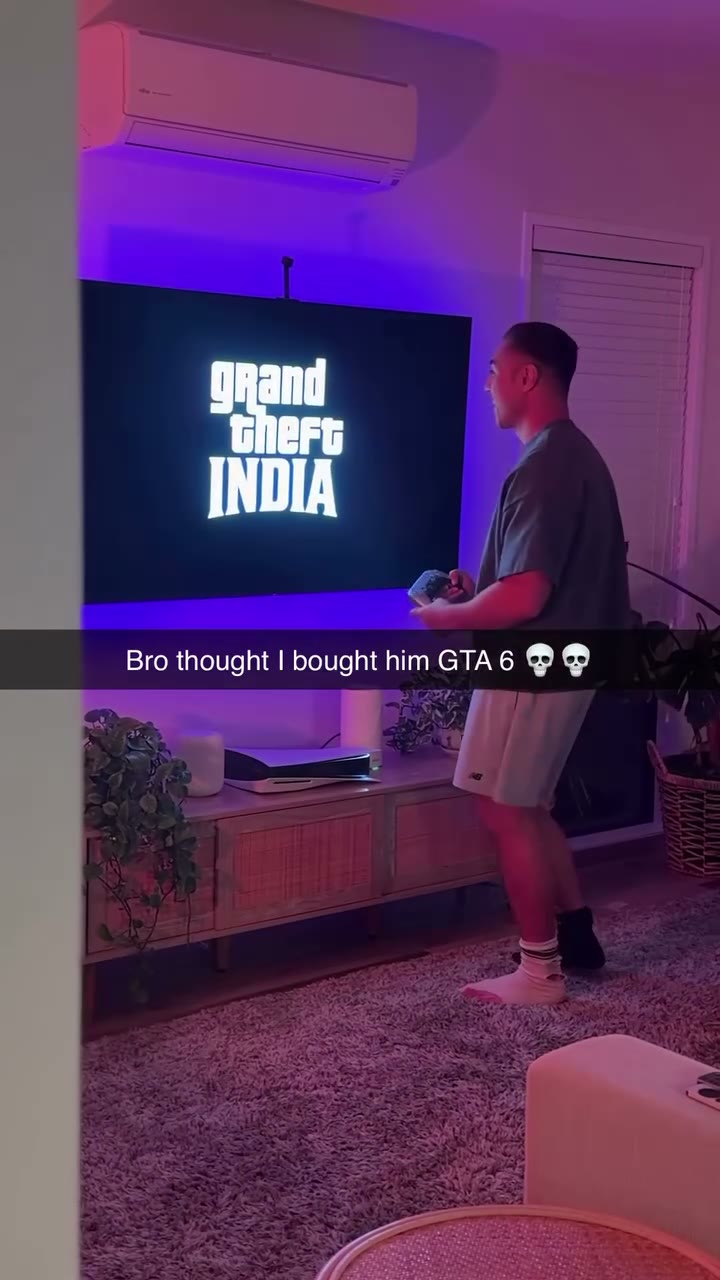
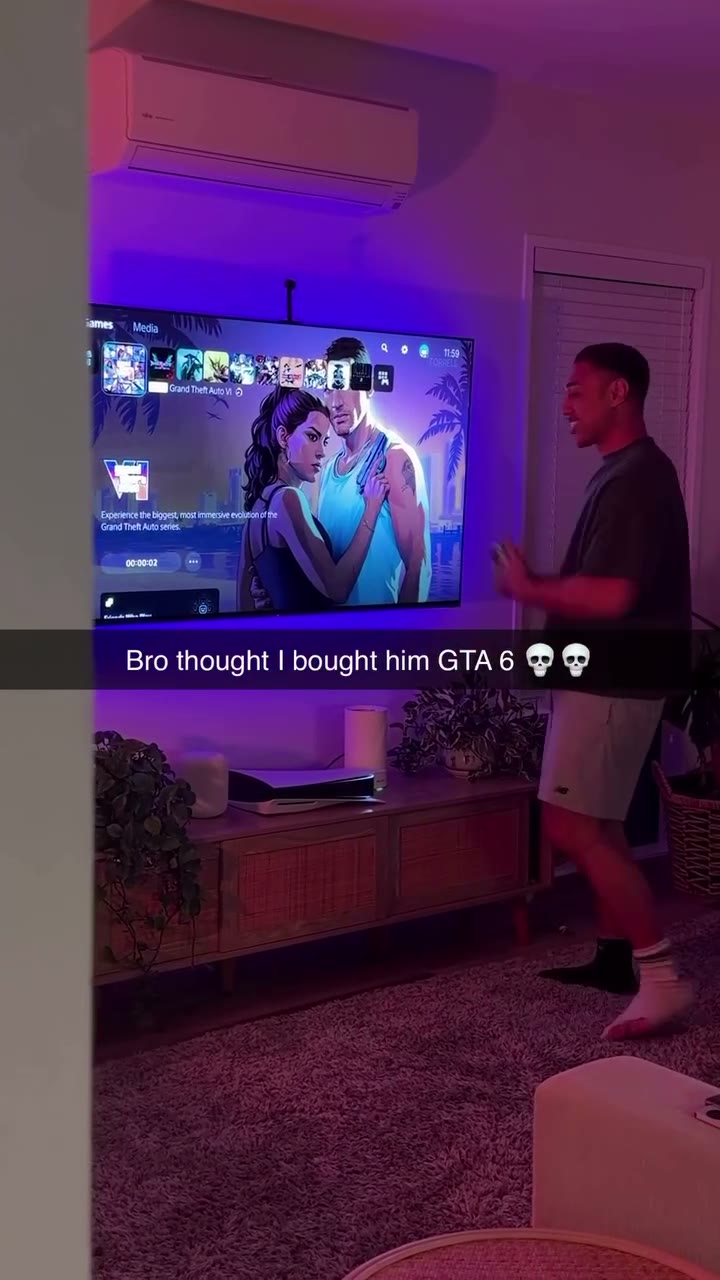
Watch how Grand Theft India AI moves between moments. The player faces a television in a violet-lit room. Its screen changes from a game menu to an illustrated reveal, prompting a reaction and a final moment when the television falls. The cuts and positions come from the supplied reference. You can choose the person who fills the available role, while the source remains responsible for the surrounding story and pacing.
The visual beats in Grand Theft India AI

Select the Grand Theft India AI subject

To prepare Grand Theft India AI, choose a well-lit picture of one person, with their face and hair visible and enough of the upper body to show clothing. A single clear subject is easier to identify than a group photograph. Avoid very small faces, strong blur or objects covering distinguishing features. Framing that includes hair and some clothing gives the model more context as the camera angle changes.

A person beside a television during a game reveal

Match the Grand Theft India AI length to your edit

The complete source lasts roughly 18 seconds. The approximately 15-second selection begins later in the clip and keeps the reaction toward the end. In Grand Theft India AI, the two shorter choices use the same selected part of the reference, while Original follows the complete source. Compare the preview and the duration shown in the workspace before starting, especially when the final moment matters to your story.

Match the Grand Theft India AI length to your edit

Know what Grand Theft India AI can change

The room, television, screen content, existing caption and camera direction come from the fixed video. In Grand Theft India AI, the uploaded image guides the player; the remaining actions, props and locations are tied to the reference. There is no separate field for selecting the timing of a cut or directing another character. Consider another tool if you need to stage an entirely different sequence.

Know what Grand Theft India AI can change

Review a completed Grand Theft India AI clip

Look closely at the player’s face through the turn and at the hands and screen during the final movement. When watching your Grand Theft India AI result, pay attention to changes around faces, hands, clothing and moving objects. Examine the transition between shots and check any text that appears in the scene. The audio restoration is attempted after generation, so play the file with sound before deciding it is ready to use. If you need a different caption or a new screen image, plan a separate edit outside this fixed template.

A person beside a television during a game reveal

Grand Theft India AI FAQ

Answers about the source, role, timing and result.

What should I upload for Grand Theft India AI?

Add one authorized picture of the player. The fixed video is already provided in the workspace. Choose a photo where the person can be recognized, and keep a copy of it in case you want to compare a later attempt.

Who appears as my photo in Grand Theft India AI?

Your image is assigned to the person beside the screen. People depicted inside the television remain part of the reference imagery and do not need their own uploads.

Can Grand Theft India AI use a different background?

The room, television, screen content, existing caption and camera direction come from the fixed video. This page does not include a control for choosing another location or individually editing the scenery.

Which Grand Theft India AI mode is shorter?

The shorter reference covers the later part of the reveal, including the screen fall. Economy and Standard use this selected segment with different generation settings. Consult the duration and estimate shown in the workspace for the mode you choose.

How much of Grand Theft India AI does Original follow?

Original uses the complete approximately 18-second scene, from its opening to the last reaction. The source controls the sequence, and the final duration or details may differ slightly when a video is generated.

Can I choose another role in Grand Theft India AI?

The available slot is assigned to the player. Other characters or objects are part of the prepared scene and are not individually replaceable through extra photo fields on this page.

Is Grand Theft India AI guaranteed to match the input photo?

No generative result is guaranteed to preserve every face or outfit detail. A clear subject and unobstructed face provide useful information, but movement, cuts and overlapping objects can still change the appearance.

Does Grand Theft India AI include a soundtrack?

The reference contains sound, and delivery is configured to restore the selected reference audio. Listen to the completed file before sharing; there is no separate music or voice-generation setting in this template.

How do I inspect a Grand Theft India AI video?

Look closely at the player’s face through the turn and at the hands and screen during the final movement. Play from the first shot through the ending, because a single poster frame cannot show whether the subject remains recognizable during a cut.

How much does Grand Theft India AI cost?

The workspace displays a credit estimate for the selected mode and available settings before submission. Sign in and check your balance and the displayed estimate before starting a generation.

Is Grand Theft India AI an official game release?

This is an independent AI-made video experience with a fictional game-inspired scene. It is not an interactive game and does not imply endorsement by a game publisher.

May I share a Grand Theft India AI result?

Use media you have permission to upload and obtain any necessary consent from identifiable people. Check the rights to the soundtrack and the rules of the destination where you plan to post the finished video.

Start Grand Theft India AI

Add a photo for the player and compare the available modes.

A person beside a television during a game reveal